



Public-interest stories often deal with climate, food security, migration, health access, education, conflict recovery, and local development. A short video draft can help editors plan an explainer, but it should never replace verified reporting, consent, or careful source review.
These stories carry more weight than ordinary marketing content. A graphic may simplify a policy issue. A scene may suggest who is affected. A caption may include a number, place, date, or agency name. If those details are wrong, outdated, or visually exaggerated, the video can mislead people who are trying to understand a real problem.
A draft-first workflow helps when it keeps the article in control. The source notes hold the facts. The video brief decides how the story may be structured. The draft gives editors something visible to review before a final asset is produced.
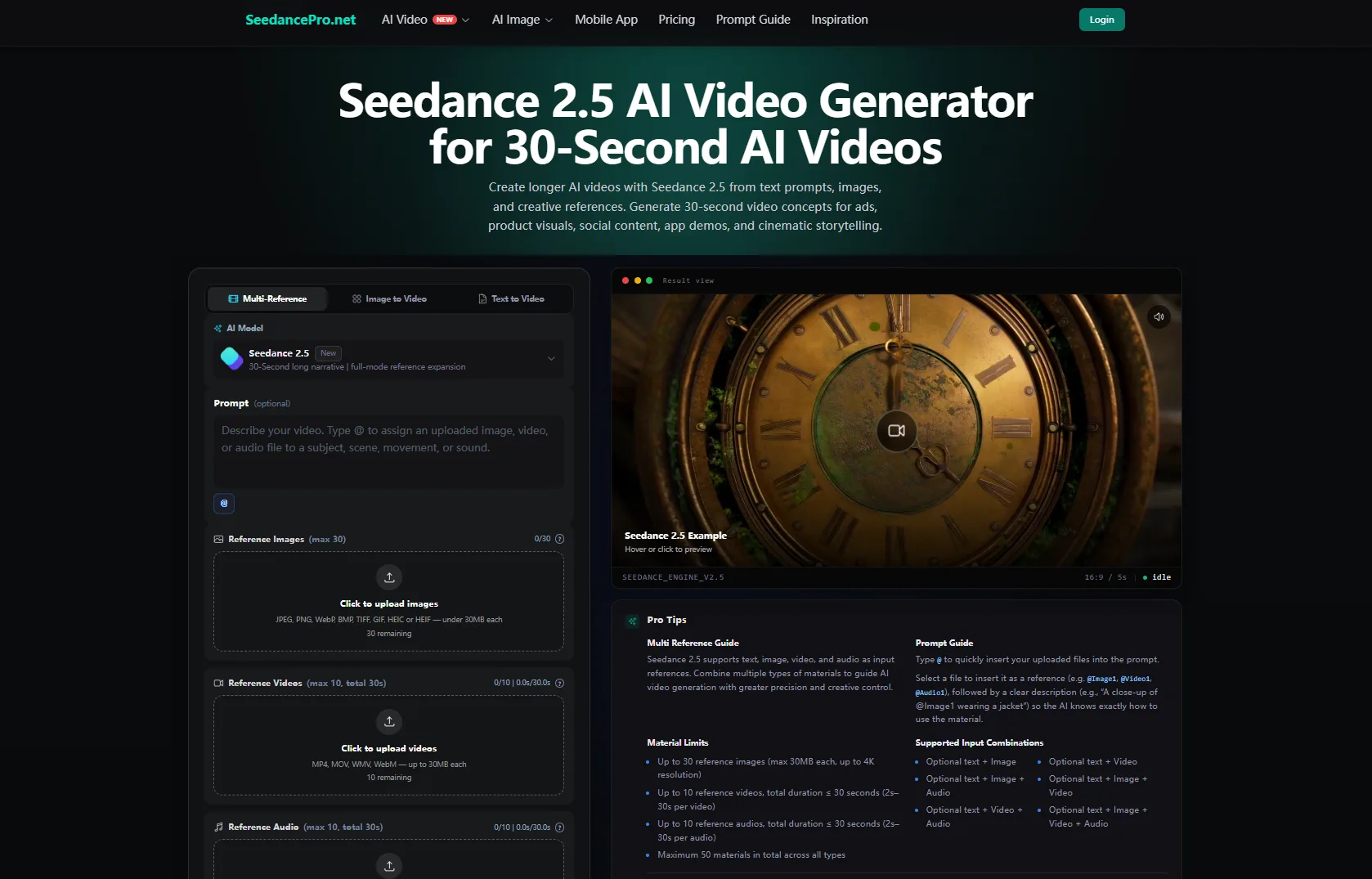
Used carefully, Seedance 2.5 can support that early planning stage by turning an approved, non-sensitive visual brief and eligible reference materials into a short reviewable video concept. The current SeedancePro workflow presents Seedance 2.5 as supporting longer clips, multiple reference inputs, and more detailed motion direction. Teams should confirm the currently available generation limits, output settings, and usage rights inside the product before beginning a public-facing project.
Start With the Public Question
A public-interest explainer should not begin with motion. It should begin with the question the audience needs answered. What changed? Who is affected? What is confirmed? What remains uncertain? What should the viewer read next?
That question shapes the brief. A climate adaptation story may need a map-style sequence. A food security story may need a simple supply-chain visual. A health access article may need an abstract service-flow scene. A migration or conflict recovery story may need extra restraint, because identifiable people and dramatic visuals can create harm.
The video draft should make the article easier to understand. It should not decide the story’s meaning, simplify complex communities into stereotypes, or imply that a generated scene is documentary evidence.
Rank Sources Before Building the Brief
Before writing a prompt, editors should label each source by type and date. Official reports, public datasets, field interviews, NGO statements, academic studies, local reporting, and social posts do not carry the same evidentiary weight.
Numbers, claims, locations, program names, funding details, and policy descriptions should come from the strongest available source and should be rechecked before publication. If a figure is preliminary, estimated, or tied to a specific date, the caption or article should make that clear.
Visual references should be treated separately from factual sources. A photograph, diagram, or map may help guide tone and structure, but it does not prove a claim unless it is verified and correctly contextualized.
Use References Without Exposing People
Reference materials can help an explainer feel grounded. A team might use original diagrams, rights-cleared infographics, abstract map shapes, publication brand assets, approved non-identifiable environments, synthetic characters, or a sanitized scene outline containing no confidential or identifying information.
The current SeedancePro workflow does not allow real human faces to be used as image or video references. Editors therefore should not upload photographs or footage showing identifiable people, even when the publication has permission to publish those materials elsewhere. Publication rights and platform eligibility are separate checks.
Teams should also keep medical records, ID documents, license plates, precise location clues, private-home details, unpublished field material, and other sensitive information out of the workflow.
If real people are central to the story, the final publication should rely on consented and verified photography or footage produced through an appropriate editorial workflow. Generated concepts should not imitate those individuals or replace their testimony. When privacy or safety is uncertain, diagrams, abstract visuals, and non-identifiable scenes are usually safer.
Keep Names, Numbers, and Dates in Editing
Public-interest explainers often depend on exact text: country names, dates, statistics, program titles, organization names, funding amounts, health guidance, legal status, and emergency instructions. Generated footage should not be trusted to carry those details inside the image itself.
The draft can reserve room for captions and help the team test pacing. The final wording should come from the edited article, official source note, dataset, interview transcript, or approved editorial summary. Time-sensitive information should be checked again immediately before publication and labeled with the relevant date where necessary.
For urgent or rapidly changing information, such as evacuation instructions, disease advisories, active conflict updates, disaster warnings, or public safety notices, the official source and live article should remain primary. A generated draft should not delay, replace, or visually reinterpret time-sensitive instructions.
Review the Draft for Harm and Accuracy
A public-interest video draft should be reviewed with more than a design checklist. Does it match the article’s evidence? Does it avoid showing invented official documents? Does it protect people who could be identified? Does it avoid making suffering look cinematic or promotional?
The team should also check whether the visual framing creates bias. A generated scene should not stereotype a region, community, profession, or age group. It should not imply guilt, poverty, danger, or helplessness where the reporting does not support that framing.
A practical AI explainer video workflow can give editors, reporters, and communications teams a draft to review before they decide whether to publish, revise, or use a simpler graphic instead.
Use the Draft to Improve the Story
Sometimes the draft will show that the story needs a better structure. The main point may appear too late. The number may need context. The map may need a clearer label. The visual tone may feel too dramatic for a careful report.
That feedback can help the article, not only the video. Editors may decide to add a source note, move a caveat higher, clarify a statistic, or replace a simulated scene with an infographic.
Public-interest media still depends on reporting, consent, verification, and human judgment. AI video can make an early visual idea easier to review, but it should not turn a draft into evidence. Used that way, Seedance 2.5 can help teams plan clearer explainers while keeping the facts and the people in the story protected.
