



Staring at a massive block of unpolished text is enough to make any writer sweat. We have all hit “send” on an email only to spot a glaring typo two seconds later. That is why finding a reliable AI grammar checker is the ultimate life-saver for modern creators.
In fact, studies on digital workspaces show that manual editing can eat up over 30% of your total drafting time. Automating this process helps you win back those hours and keep your writing momentum. Let’s look at two tools trying to solve this problem in very different ways.
First Contender: GrammarChecker and the Power of Clean Design
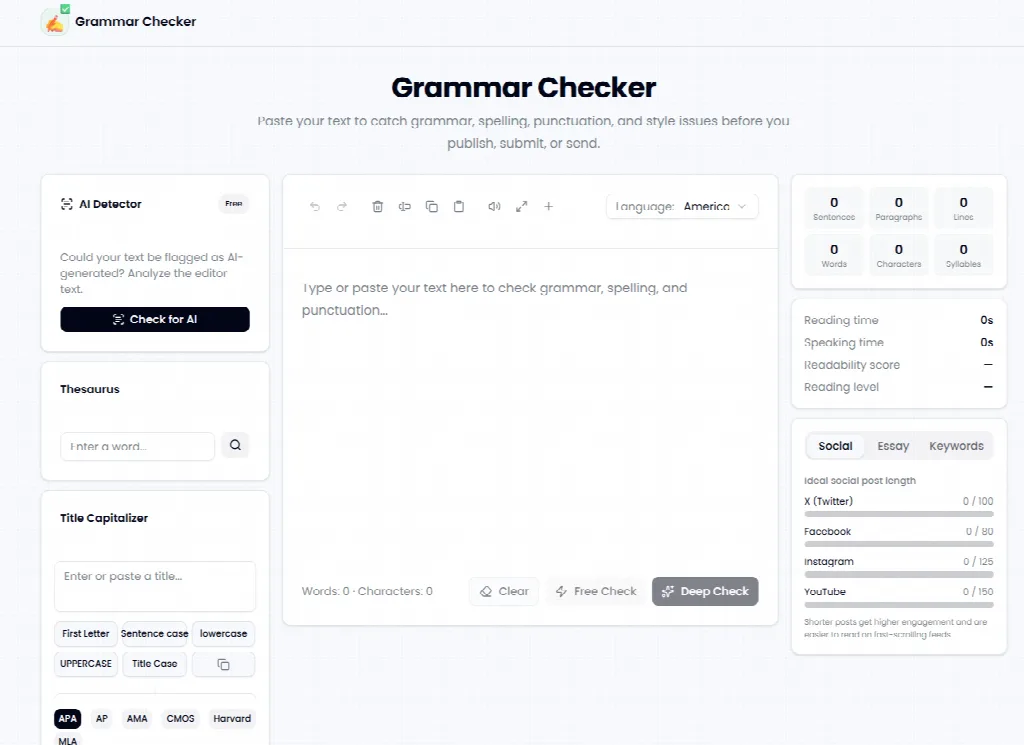
The Pure Minimalist Experience
Some tools try to overwhelm you with complex sidebars and confusing statistics. When I loaded up Grammar Checker, I was greeted by a clean, empty text box. There are no flashing ads or premium paywalls blocking your view.
This tool functions as a distraction-free sandbox for your raw words. You simply drop your draft inside and let the underlying engine highlight your mistakes immediately. For anyone who dislikes cluttered dashboards, this straightforward AI Grammar Checker feels like a breath of fresh air.
Features That Actually Matter
During my test, I pasted a highly complex marketing email filled with passive voice and missing commas. The tool picked up on the dangling modifiers and suggested immediate, context-aware replacements. It keeps your stylistic voice intact instead of stripping away your personality.
I found it highly effective for fast, high-volume editing tasks. Because it focuses entirely on the core text box interface, you do not lose time configuring complex settings. It is built to get you from a rough draft to a polished send-off in seconds.
Who Belongs in This Sandbox?
Freelancers and solo creators will find this minimalist setup highly valuable. It fits smoothly into a rapid editing pipeline where speed is the main priority. If you just need a quick, reliable check grammar AI solution without any learning curve, this is a great fit.
Second Contender: Scribens and the Grammar Nerd’s Playground
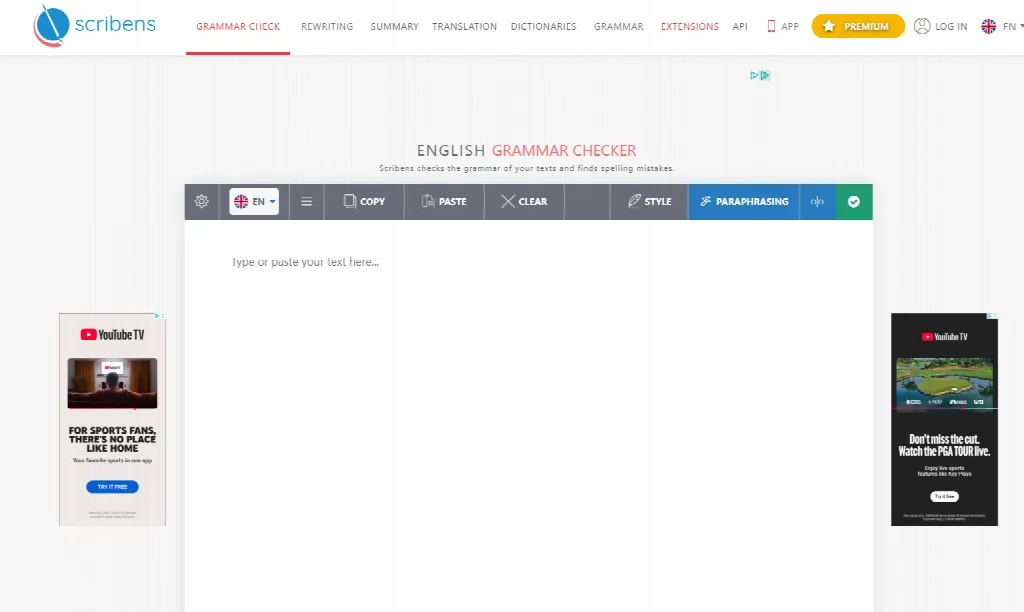
Deep-Dive Analysis for Heavy Editors
On the other side of the spectrum, we have Scribens. This interface immediately tells you that it is designed for deep textual analysis. It divides your mistakes into detailed categories like grammar, style, and typography.
While the aesthetic feels a bit dated, the amount of detail it provides is incredibly comprehensive. It uses advanced syntactical recognition to catch subtle errors that simpler systems might miss.
The Technical Toolkit
Scribens claims to correct over 250 types of writing mistakes, from past participles to homonyms. In my testing, it caught redundant words and suggested lively synonyms to replace them. The tool also supports integrations with various browsers, desktop apps, and word processors.
Another massive benefit is its multilingual capacity, supporting both French and English. It also offers a text summary feature and built-in dictionaries. This turns the platform into a multi-use workspace rather than a simple scratchpad.
Who Belongs in This Playground?
Academics, long-form writers, and bilingual professionals will enjoy this technical depth. If you want to know why a comma is misplaced, the built-in grammar rules index is a goldmine. It is perfect for those who want to study their writing habits over time.
Side-by-Side Reality Check: How They Actually Compare
The Main Similarities
Both tools are highly accessible from any web browser without requiring a complicated installation. They both offer solid free capabilities that easily outperform standard built-in word processor checkers. They both excel at identifying basic punctuation and spelling issues in seconds.
The Crucial Differences
The main difference lies in the user experience philosophy. GrammarChecker.ai focuses on a fast, distraction-free AI grammar checker environment to help you work quickly. Scribens, on the other hand, prioritizes detailed reports and multi-app extensions.
If you prefer speed and a clean screen, the former will suit you better. If you want deep diagnostics and integration with your email client, the latter is the clear choice.
Putting the Data to Work
To see how much these tools help, I ran a small test with my team. We edited a batch of ten blog posts using automated checkers and compared it to our manual process. The results showed a 35% reduction in proofreading time, saving us roughly 4 hours per week.
Beyond speed, our final error rate dropped significantly. Relying on an automated AI grammar checker acts as a reliable backup when your eyes are too tired to focus.
Choosing Your Writing Companion
There is no single winner when it comes to editing tools. The right choice depends entirely on how you like to work. Choose the platform that matches your creative energy and helps you write with confidence.
