



The quality of an application can be measured by a few things – performance, customer’s satisfaction, increase in revenue, growth in the target audience, and figures. But performance makes all the difference. An unstable application that crashes all the time influences both customers and revenue.
To avoid loss and failures and prevent poor app performance, a mobile application testing company should understand the reason for an app to stop functioning properly. So, let’s have a look at what can cause your program to keep crashing.
Why Do Apps Crash?
There can be a lot of situations that may lead to an app crash. Here are the six most common of them.
1. Bad memory management.
The number one reason most applications crash is inappropriate memory management. Developers should be conscious of the application’s memory footprint (the amount of space the program uses) and not write code in such a way if only their application exists on a system. There is a fixed amount of memory. If the app drains the life out of a smartphone by sucking up lots of it, the user experience suffers enormously. Several reasons affect a bad memory experience. For example, running a cache in the wrong way.
If you have issues with your app, consider reducing memory footprint in the first place. Understand how memory is managed on Android or iOS devices to fit your project in the app ecosystem perfectly.
2. Insufficient testing.
Releasing a good app can be a challenge if the amount of tests performed is not enough. Adequate testing is crucial. The continuous testing process allows avoiding performance issues and crash situations at any stage of product development. It is a never-ending process of monitoring your app and reacting to user feedback. The quality of the tests matters as much as the number of them. Bad testing coverage is the second reason why many mobile apps crash.
How to ensure your test coverage is enough? Have a strategy, prioritize critical areas, and ensure you cover as many platforms, resolutions, and devices as possible. Involve simulators. They provide faster results for routine tests and have a decent performance. They even suit banking app testing to minimize human factors affecting the final result. If you are interested in this topic, TestFort provides complete information on banking testing in their blog. As there are certain requirements for finance app testing when it comes to a crash-free user experience. Thus, a professional approach and an experienced team are a must.
3. Errors and exception handling.
No matter how good your app is, some errors are unavoidable. They just are. In this case, errors and exception handling is the only thing to prevent applications from crashing and solve runtime problems. It is an error-handling mechanism that does not allow the program to get thrown by abnormal conditions like the API change or memory issue.
4. Software lifecycle.
Replacing a traditional application lifecycle management with frequent and short releases has led to one more reason for apps to crash. An app depends on the operating systems and the APIs provided by third parties, which help to get new programs to the market fast. In return, you face performance failures just because of the OS being unstable or API related issues.
5. Excessive code.
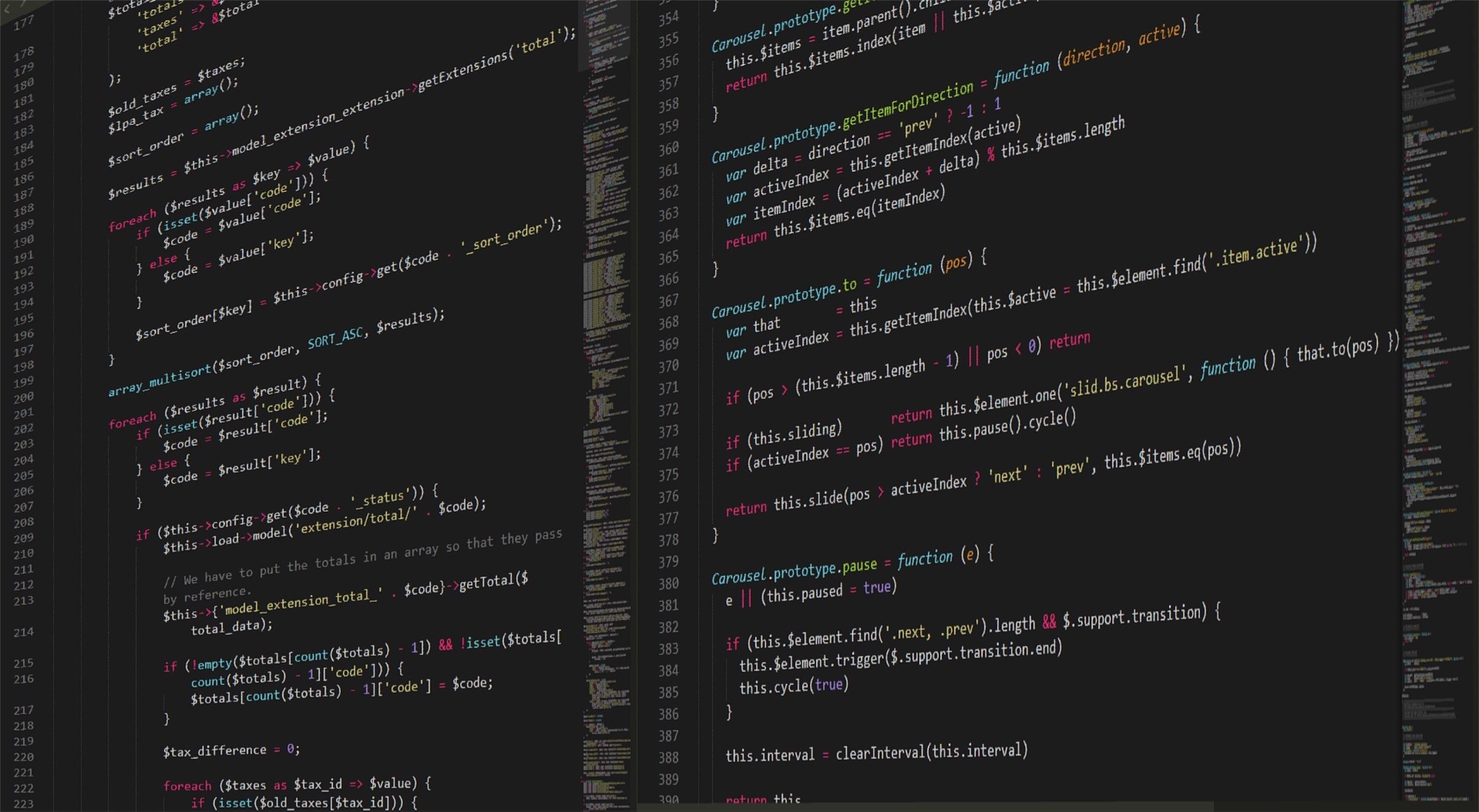
One of the reasons your app runs slowly or crashes is excessive amounts of code. Stop writing too much code. Do not overcomplicate the app, creating new bugs where it is not needed. Focus on doing your code clean and simple, eliminating the possibility of bugs in the most crucial sources instead of writing too much code that cannot be covered properly. It is impossible to create a completely bug-free environment, but it is possible to create a strong base at the very beginning and keep growing code gradually.
6. Network problems.
Since the moment applications became more dependent on network access, the problems associated with network connection have increased tremendously. Does an app require full network access to perform smoothly or at least not to crash? No. But without a proper connection, which an app was created for, a user faces a connectivity break or poor responsiveness while trying to access data. Test your application for a poor network by stimulating a slow Internet connection on the devices. Never neglect to inform a user about a connectivity issue and the reason why it happens. Offer an offline version of an app as a temporary solution.
Even though you cannot test mobile software to make it 100% bug-free or avoid crashes completely, you can still focus on the main reasons that influence the quality of your product. Understanding the features of mobile testing and the deficiencies and difficulties during this process is crucial.
