



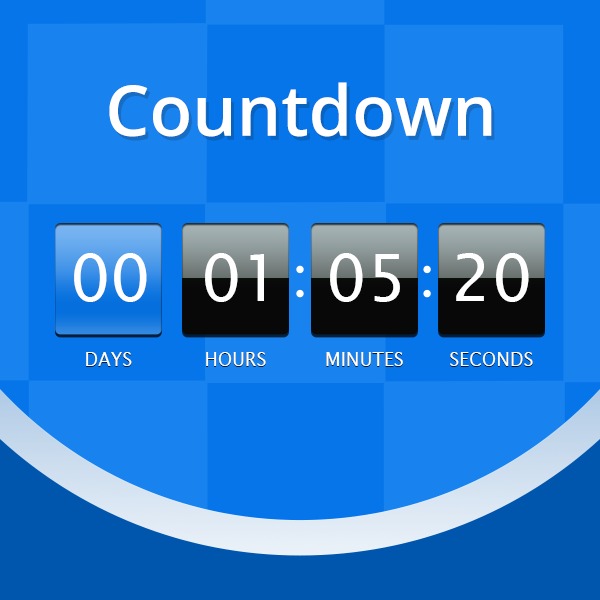
Getting someone to open your email is tough enough. Getting them to click and act is even harder. People see dozens of messages every day. Most don’t even register.
So how do email marketers stop the scroll and prompt quick action?
One effective method: add a countdown timer.
These visual elements do more than decorate the design. They build urgency. They give people a reason to act now instead of putting it off. And when used the right way, they drive up interaction without changing much else in your campaign.
Here’s how they work and how to get them to work for you.
What Countdown Timers Do
A countdown timer shows how much time is left before something ends.
That might be a deal, a sign-up deadline, early access to a new product, etc. You can use animated timers, coded timers, or even fallback images. It depends on what your email service allows.
You’ll usually see these used in:
- Flash sales
- Limited-time offers
- Product launches
- Registration deadlines
- Expiring trials or discounts
Why Timers Get Better Results
The logic is simple: people react when time is running out.
A visible clock (ticking down by the second or just showing days left) signals a deadline, and that makes people move faster.
Countdown timers work for a few reasons:
- They trigger urgency: A deadline changes the tone of the message and pushes for faster decisions.
- They grab attention: Motion draws the eye, even in a crowded inbox.
- They hold interest: If someone’s already curious, a timer gives them a reason to act sooner rather than later.
- They simplify the choice: When there’s a time limit, the decision is either now or never. That clarity cuts through hesitation.
How to Track Their Effect
As is the case with everything else in email marketing, it’s not enough to just add a feature. You have to know what it’s doing.
These are the metrics to focus on:
- Open Rate: Are subject lines mentioning urgency pushing more people to open?
- Click-Through Rate: Are more users clicking when a timer is included?
- Conversion Rate: Are emails with timers getting better results in general?
- Sales Impact: Are these timed offers helping you close more deals?
- Cart Recovery: Are people coming back to finish what they started?
- A/B Test Results: Run versions with and without timers to see what works better.
These data points help figure out if the timer’s just a nice visual or if it’s adding any real value.
What to Keep in Mind When Using Timers
To make timers work in your layout without getting in the way, stick to a few simple rules:
- Keep it clean: The timer should stand out but not take over. Match the look to your complete design.
- Plan for fallback: Not every email client supports animations, so always have a static version ready.
- Put it near the action: Place the timer close to your call-to-action button. If someone’s ready to act, the timer should back up the urgency.
Easy Ways to Add Countdown Timers
You don’t need to build timers from scratch. Tools like Sendtric offer customizable options that work with most email platforms.
No complex code is required, either. Just pick a design, set the deadline, and drop it into your email layout.
Final Takeaway
Countdown timers improve how your email looks and help get you more clicks and conversions and, thus, better results.
If your emails are missing that edge, a timer might be the easiest thing to add next.
Try it in your next promotion and see what changes. It’s a small detail, but one that moves your audience in the right direction.
For more information, visit https://www.sendtric.com/
