



How to compare LinkedIn automation tools without turning outreach into noise
At first, the cloud company thought it had a targeting problem. Its sales team had plenty of LinkedIn connections, but the conversations were thin: a generic invitation, a product paragraph, then silence. The team was ready to increase the daily volume.
Instead, it changed the order of work. The company built a clear audience around one employee who could explain virtualization and cloud technology in plain language. The team listened to what that audience was discussing, published useful explanations, and approached people only when the subject was relevant. In the public case study, the response rate reached 64%.
That result is easy to misread. It was not proof that more automation creates more replies. It was proof that a precise audience, credible content and a respectful sequence can make outreach feel like a conversation. Automation helped with consistency; it did not replace the judgment that made the messages welcome.
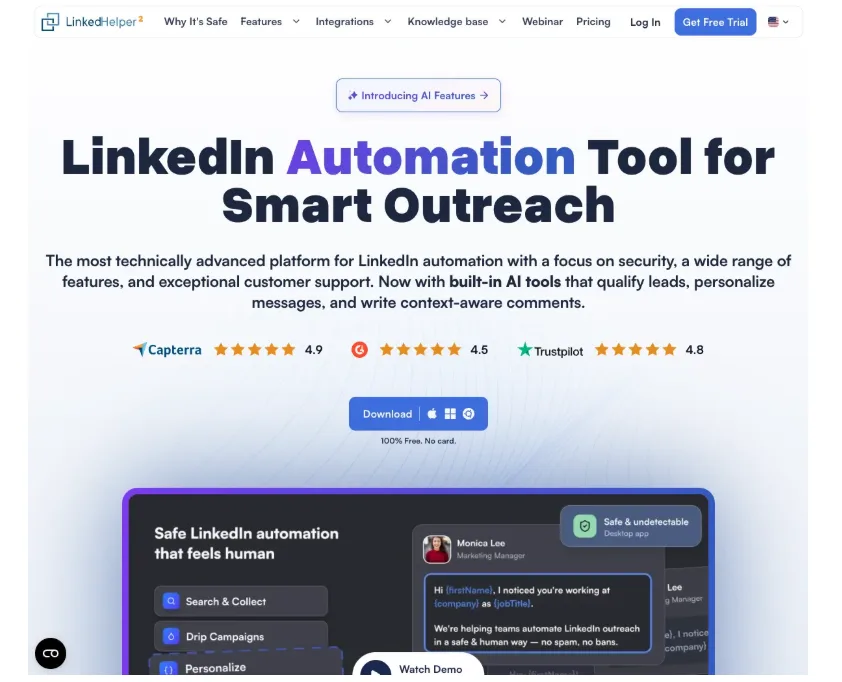
LinkedHelper homepage: automation works best when the audience and message are clear first.
This distinction matters now because LinkedIn is tightening its focus on authentic activity. LinkedIn’s own help guidance says third-party tools that scrape data or automate activity on the site are not permitted. Any team comparing software therefore has two jobs: find a workflow that saves repetitive time, and make sure the workflow does not turn a real account into a bot-shaped pattern.
The metric that should come before volume
LinkedIn research on deep selling found that 82% of high-performing sellers—those reaching at least 150% of quota—said they research prospects all the time before reaching out. In another LinkedIn buyer study, 51% of buyers said they were more likely to consider a seller’s solution when the seller understood their business needs.
Those numbers point to a better first question: “Can this tool help us make a more informed first touch?” A feature list that only counts connection requests misses the cost of a wrong message. One irrelevant follow-up can undo the trust built by ten useful interactions.
The cloud provider from the opening story did not begin with a giant sequence. It began by defining the reader it could genuinely help. A platform that lets a team segment prospects by role, company context and campaign goal is useful only when those fields change the message. If every segment receives the same pitch, the extra filters are decoration.
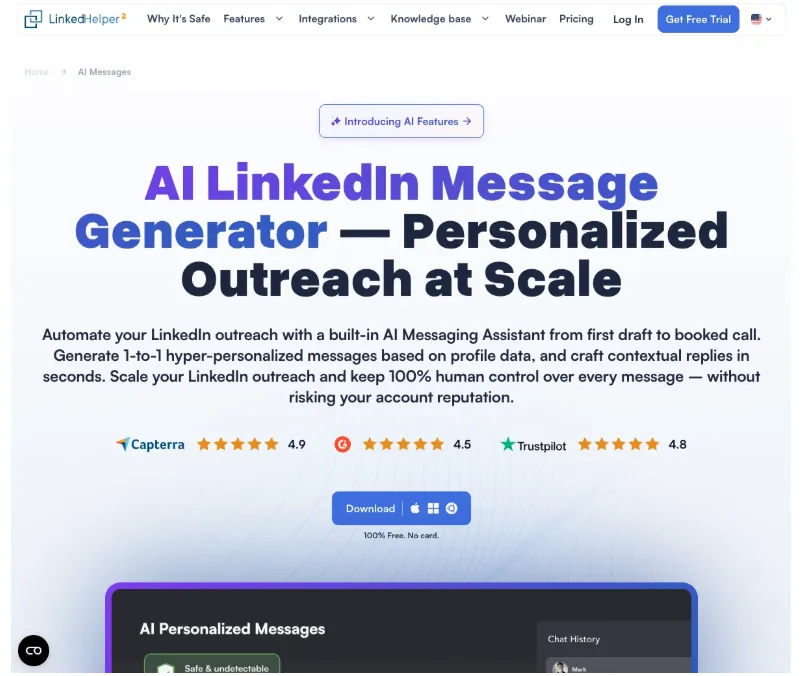
AI message generation should support human review, not hide irrelevant outreach.
A safer way to compare tools
Start with the workflow, not the vendor name. Write down the actions a human must still own: selecting the audience, approving the message, handling a reply, and deciding when a conversation should move to a call or email. Then identify the repetitive steps that can be scheduled without pretending they are personal judgment.
When a team reviews a product, check these points in one test campaign:
- Pacing: Can you set conservative daily limits, working hours and randomized starts instead of sending a burst at the same time every day?
- Context: Can each message use a real profile detail, and can a person review or edit it before it goes out?
- Stop rules: Does the sequence stop as soon as a prospect replies, declines, or asks not to be contacted?
- Separation: Are accounts, data and proxies isolated so one mistake does not spread across a team?
- Evidence: Can you export the campaign history, replies and next actions without losing the context that explains the conversation?
Run the test with a small, clearly defined audience. Measure accepted connections, meaningful replies, positive replies, booked conversations and opt-outs. Do not celebrate a high acceptance rate if the next message produces complaints. The goal is not to create the biggest queue; it is to create the clearest next step.
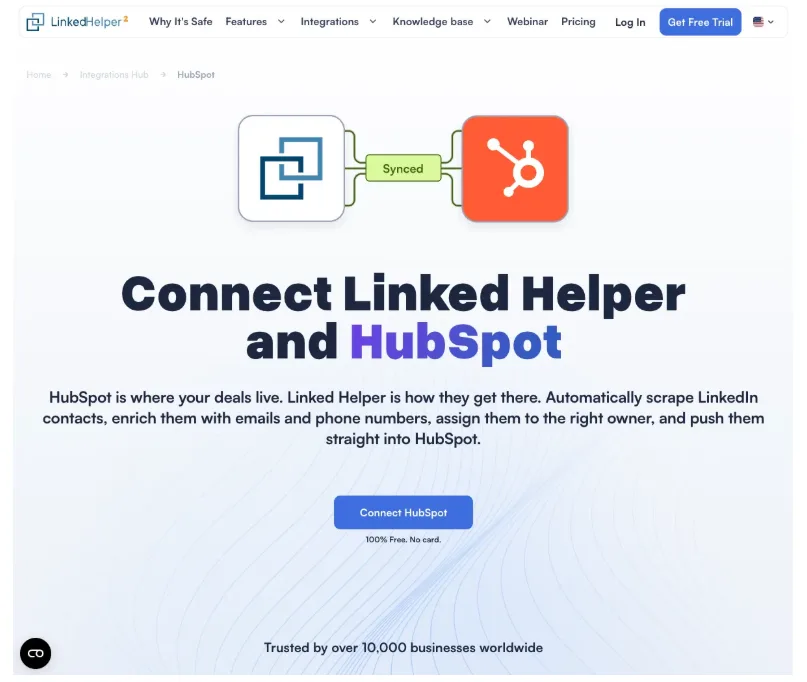
A useful comparison also checks whether lead context can move into the team CRM.
Why “human-like” is not the same as helpful
Many product pages describe randomized delays or simulated browsing as “human-like.” That can reduce an obvious burst pattern, but it cannot make an irrelevant pitch useful. A delayed bad message is still a bad message. Safety controls should support good judgment, not disguise poor targeting.
This is also where a buyer should read the platform’s rules before purchasing. LinkedIn’s User Agreement and prohibited-software guidance place responsibility on the account owner. A tool’s marketing claim is not permission from the network. Ask whether the product is a desktop workflow, whether it injects code into LinkedIn, how it handles data, and which actions it automates. If the answer is vague, treat the uncertainty as a cost.
The strongest comparison articles often rank tools by the number of actions they offer. A more useful comparison ranks them by the quality of the decision they help a team make. Does the tool prevent a follow-up after a reply? Can a manager audit why a prospect was included? Can a user slow down a campaign when the audience is smaller than expected? These are operational questions, but they decide whether automation protects or damages a brand.
A practical sequence for a small team
Choose one audience and one problem that the team understands. Spend the first week watching relevant posts and saving examples of the language prospects use. Create two or three message openings that refer to that context without pitching immediately. Let a human approve the first batch, then review replies every day.
If a prospect answers, stop the automated sequence and continue manually. If the person is not a fit, record why instead of adding another filter that nobody will maintain. If the same objection appears several times, improve the offer or the explanation before increasing volume.
This process feels slower than pressing “launch,” but it produces better evidence. After a few dozen conversations, the team can see which audience, message and next step deserve more reach. The automation then scales a tested workflow rather than scaling a guess.
For teams evaluating LinkedIn automation tools, the useful shortlist is the one that keeps research, pacing, stop rules and human review visible. A tool should make a good conversation easier to repeat—not make it harder to tell when the conversation has become unwelcome.
The cloud provider’s 64% response rate was a result of relevance earned before automation entered the picture. That is the lesson worth carrying into any comparison: automate the repetition, protect the judgment, and let the prospect’s reply—not the dashboard’s activity count—decide what happens next.
