



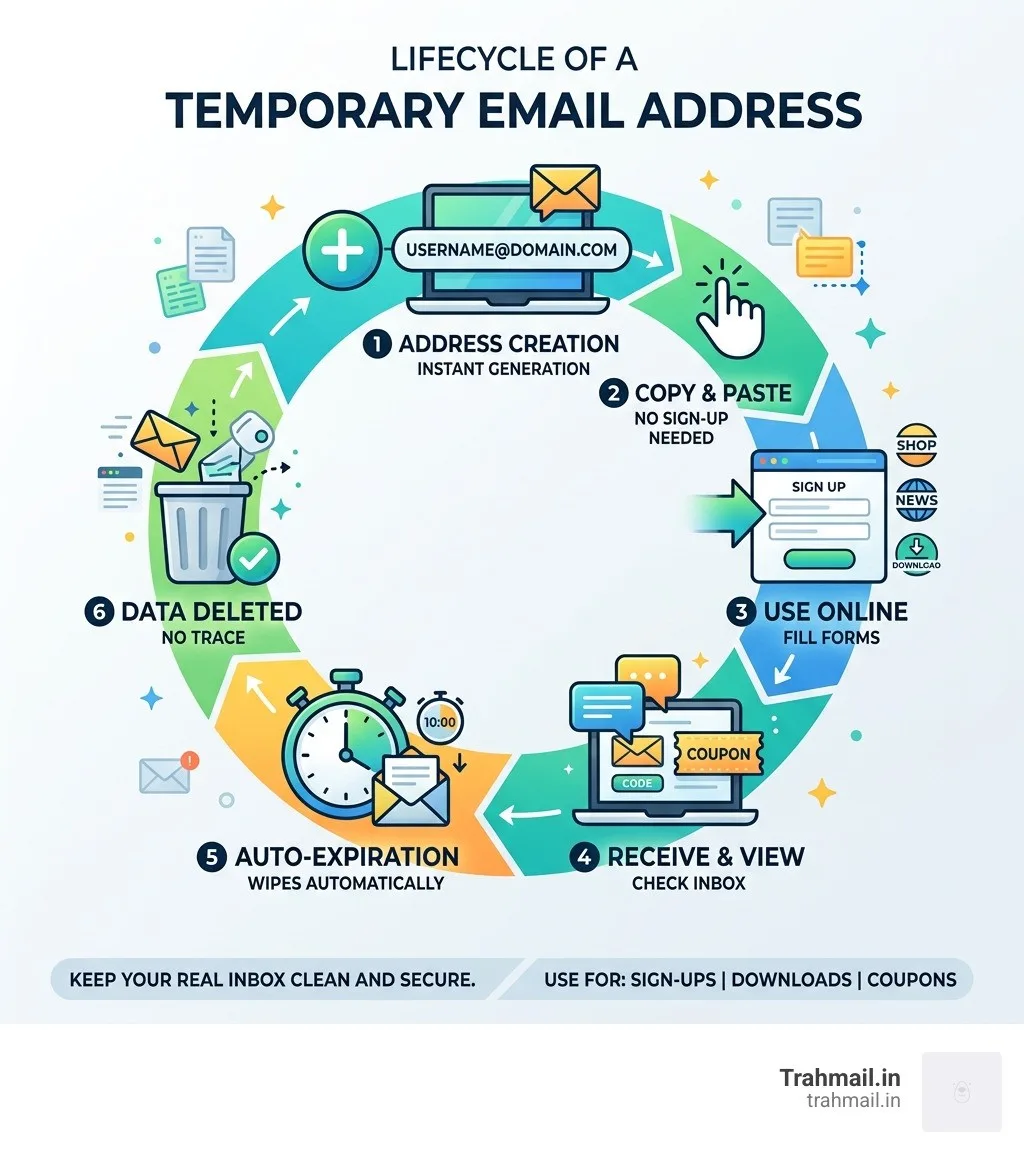
Having a fake email to use is one of the simplest ways to protect your real inbox from spam, data brokers, and unwanted marketing. Here’s how to get started in seconds:
- Visit a temporary email service (like Trahmail.in)
- Copy the auto-generated address — no sign-up needed
- Paste it into any form, sign-up page, or download gate
- Check the temporary inbox for any verification emails
- Walk away — the address expires automatically, taking the spam with it
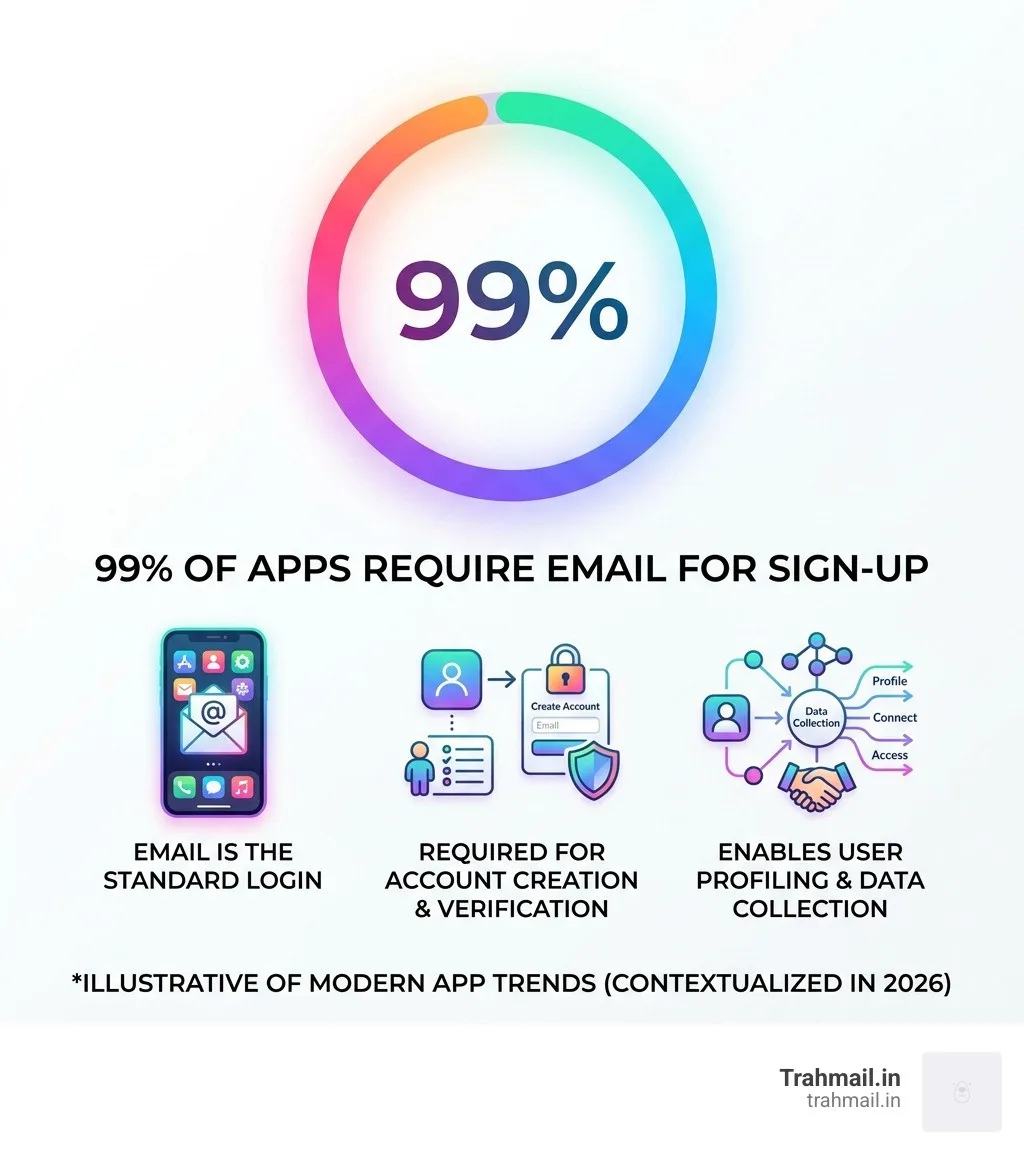
Think about how many times you’ve handed over your email address just to download a PDF, grab a coupon code, or try a free trial. Nearly 99% of apps and services require an email to sign up. That’s a lot of doors opened into your personal inbox.
Every time you share your real address, you risk:
- Spam flooding your inbox for months
- Data brokers selling your details to advertisers
- Phishing attacks targeting your real account
- Data breaches exposing your identity
The fix is surprisingly simple. A temporary, disposable email address acts as a shield between your real inbox and the rest of the internet. You use it once, it does its job, and then it disappears — no traces, no consequences.
This isn’t just a trick for tech experts. It’s something anyone can do in about 10 seconds flat.
What is a Fake Email to Use and How Does it Work?
When we talk about a fake email to use, we aren’t talking about a “fake” address that doesn’t work. We are referring to a disposable email—a real, functioning mailbox that is created on the fly and designed to be thrown away. These are often called “burner emails,” “trash-mail,” or “10-minute mail.”
Technically, these services operate using a Mail Server and SMTP just like Gmail or Outlook. The difference is in the lifespan. Instead of keeping your messages forever, these servers are programmed to hold mail for a few hours or days before wiping the slate clean.
As of April 2026, the trend has shifted toward total anonymity. Users no longer want to create “accounts” to manage their privacy. They want an instant solution. When you use a service like Trahmail.in, the system generates a random string of characters (the local part) and attaches it to a valid domain.
Comparing Tools: Generators vs. Services
It is important to distinguish between a “generator” and a “service.” Depending on your needs, you might want one or the other.
FeatureFake Email GeneratorTemporary Email ServicePurposeCreating “text” for code/testingReceiving real verification mailInboxNo (Address only)Yes (Functional mailbox)Best ForDevelopers & QAEveryday users & Sign-upsAnonymityHighHighStorageNoneTemporary (Hours to Days)
Understanding the Fake Email to Use for Testing
For the tech-savvy crowd, a fake email to use is a vital part of the development lifecycle. Engineers and QA testers use these tools to populate dummy data into new applications.
When building a sign-up workflow, you can’t use your personal email 500 times to see if the “Welcome” email triggers correctly. Instead, developers use Trahmail.in — Generate Random Emails for Testing to create unique addresses that follow RFC 5322 standards. This ensures that the system’s syntax validation accepts the address as “real” even though no human is behind it. This is essential for automation scripts that need to test thousands of registrations without hitting account conflicts.
Key Benefits of Using Disposable Addresses
The primary reason we advocate for a fake email to use is simple: Inbox Hygiene. Your personal email is your digital home. You wouldn’t invite a random telemarketer into your living room, so why invite them into your inbox?
- Spam Filters on Autopilot: Even the best spam filters fail. By using a disposable address, the spam never even reaches your “real” filter. It hits a temporary wall and dies there.
- Phishing Protection: If a shady website gets hacked, the hackers only get your fake address. Your real password and identity remain safe.
- Data Breach Mitigation: When a major retailer suffers a breach, your “real” identity isn’t in their database if you used a burner.
- Marketing Avoidance: We’ve all been there—you buy one pair of shoes, and the company emails you every day for three years. Trahmail.in — Free Fake Email Generator Online stops this cycle before it starts.
- Tracking Protection: Many marketing emails contain “tracking pixels” that tell companies when, where, and on what device you opened their mail. Disposable services often strip these out or simply delete the mail before you ever have to interact with it.
Why You Need a Fake Email to Use for Sign-ups
The real-world applications are endless. We live in an era where “Free” usually means “Trade us your data.” Here is where a temporary address saves the day:
- Free Trials: Want to try a streaming service for 7 days? Use a fake email. If you forget to cancel, they don’t have your primary contact info to pester you.
- Loyalty Cards: Physical stores often demand an email for a 10% discount. Give them a Trahmail.in address. You get the discount, they get a mailbox that disappears in a week.
- Coupon Hunting: Snag that “first-time buyer” code without committing to a lifetime of newsletters.
- Public Wi-Fi: Airport and coffee shop Wi-Fi often require an email “login.” This is a classic trap for data harvesting. Use a fake email to use and browse in peace.
Step-by-Step Guide: How to Create and Use Temporary Mail
Using a temporary service is designed to be frictionless. You don’t need a manual, but if you’re doing this for the first time, here is the “pro” way to do it.

The Generation Process
Most services, including ours, generate an address the moment you land on the page. You’ll see something like randomuser123@domain.com.
- Copy the Address: Click the “Copy” button or highlight the text.
- Paste and Register: Go to the site asking for your info and paste the address.
- Monitor the Inbox: Stay on the Trahmail.in page. Within seconds, the verification email will appear in the “Incoming” section.
- Verify: Click the link or copy the code from the message.
- Close the Tab: Once you’re verified, you’re done. You don’t need to “delete” the account; the system handles the auto-deletion for you.
Choosing a Reliable Service
Not all “fake” email providers are created equal. When searching for the best tool, we recommend looking for these criteria:
- No Registration: If a “privacy” service asks for your name and phone number, run away. A true temporary mail service requires zero info from you.
- Domain Variety: Some websites block common “temp mail” domains. A good service frequently updates its domain list to stay under the radar.
- Expiration Times: Some services delete mail in 10 minutes; others keep it for 7 days. Choose one that fits your task (e.g., a 10-minute mail is fine for a code, but you might need 24 hours for a complex software trial).
- Ad-Free Interfaces: You’re trying to avoid ads, so your tool shouldn’t be covered in them.
Limitations and Legal Considerations
While we love the convenience of a fake email to use, there are moments when you should absolutely not use one.
- Banking and Healthcare: Never use a temporary address for sensitive financial or medical accounts. If you lose your password, you will need to receive a recovery link. Since your temporary address will have expired, you’ll be locked out of your account permanently. 2. Government Services: Official documents require a permanent digital identity. 3. Terms of Service: Some websites explicitly forbid disposable emails in their terms. While it’s rarely “illegal,” it can lead to your account being banned. 4. Fraud Prevention: We provide these tools for privacy, not for illegal activities. Using fake emails to commit fraud or bypass security for malicious reasons is against our ethos and can have legal consequences.
Essentially, use temporary mail for non-sensitive data and “one-off” interactions. For everything else, stick to your primary, secured inbox.
Frequently Asked Questions about Temporary Emails
How long do these emails last?
It varies by provider. Some services offer an inactivity timeout, where the address expires after 3 hours of you closing the tab. Others, like AdGuard’s research suggests, can keep emails for up to 7 days if not manually refreshed. At Trahmail.in, we focus on a balance—keeping the mail long enough for you to finish your task, but short enough to ensure your data doesn’t linger on a server forever.
Can I send emails from a fake address?
Most reliable services are receive-only. This is a deliberate spam prevention protocol. If temporary services allowed outbound mail, they would immediately be used by bots to send millions of spam messages, causing the service’s domains to be blacklisted globally. By restricting it to “inbound only,” we ensure the service remains “clean” and accepted by major websites.
Are fake emails safe for my privacy?
Yes, provided you use a reputable service. Look for tools that use **SSL/TLS encryption** to protect the connection between your browser and the server. A good service also practices IP masking, meaning the website you sign up for can’t see your real IP address—they only see the mail server’s info. Most importantly, look for a “no-logging” policy where your received emails are wiped from the physical hardware the moment they expire.
Conclusion
The battle for your data is ongoing, but you have a powerful weapon in your arsenal. Using a fake email to use isn’t just about avoiding annoying newsletters; it’s about taking control of your digital footprint and practicing good inbox hygiene.
By separating your “public” sign-ups from your “private” communications, you ensure that your real inbox remains a place for friends, family, and important business—not a dumping ground for marketing bots.
Ready to clear the clutter? Start protecting your inbox today at Trahmail.in and see how easy it is to stay anonymous in a world that’s always watching.
