



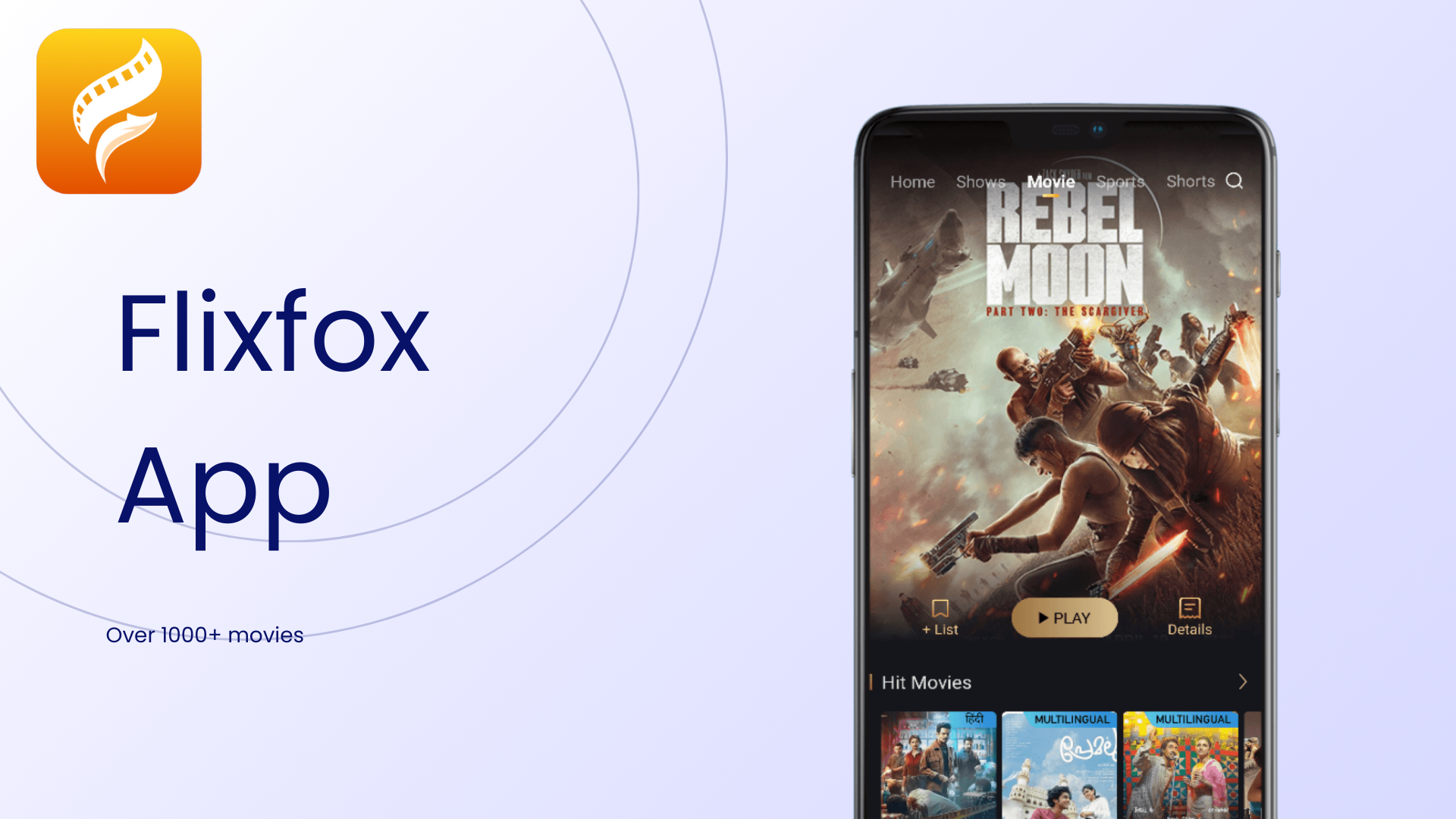
For Android users looking for an affordable and easy way to stream movies, TV shows, and live channels, the Flixfox App offers a one-stop solution. This APK-exclusive application is designed to deliver a rich streaming experience without the need for multiple subscriptions or expensive plans.

Whether you’re after Hollywood hits, regional content, or personalized recommendations, Flixfox App has you covered.
Here’s how to download and install it safely, along with tips to enhance your experience.
What You Need Before You Begin
Before downloading the Flixfox APK, ensure your device meets these essential requirements:
- Operating System: Android 7.1 or later.
- Storage Space: At least 50MB of free space for the app itself (additional storage may be required for downloaded content).
- Internet Speed: A minimum of 5Mbps is recommended for smooth streaming.
Older Android versions or insufficient storage can impact performance, so it’s best to verify these prerequisites first.
Step-by-Step Guide to Download and Install Flixfox App
The Flixfox App isn’t available on the Google Play Store, so it needs to be downloaded directly from the official website. Follow these steps to install it safely on your Android device:
1. Enable Downloads From External Sources
- Open the Settings on your Android device.
- Navigate to Security or Apps settings.
- Enable Unknown Sources to allow APK installations from outside the Play Store.
2. Download the Flixfox APK File
- Visit the official Flixfox website at flixfox.app/download using your device’s browser.
- Click the Download button to begin the APK download.
3. Install the Flixfox App
- Open the File Manager app on your device and locate the downloaded APK file.
- Tap the file, then click Install.
- Grant the necessary permissions, and wait for the installation to complete.
4. Start Streaming
- Once installed, the Flixfox App icon will appear on your home screen. Tap it to open the app, create your account, and dive into a world of entertainment!
Troubleshooting Installation Issues
Some users may encounter issues during the download or installation process. Here are solutions for common problems:
- Incomplete Downloads: Ensure a stable internet connection before restarting the download. Switch to Wi-Fi if mobile data is unstable.
- Installation Errors: Restart your device and confirm that the “Unknown Sources” setting is enabled. Reattempt the installation after these steps.
- App Crashes: If the app crashes after installation, uninstall and reinstall the APK. Freeing up storage space can also help improve performance.
For less common errors, Flixfox App offers dedicated customer support to resolve any technical issues quickly.
Setting Up Your Flixfox App Profile
Once the app is installed, you’ll need to create a profile to personalize your experience. Flixfox makes registration easy with three quick methods:
- Social Media Sign-In: Use your Facebook or Google account for a faster setup.
- Email Registration: Provide your email address and verify it using an OTP sent to your inbox.
- Mobile Number: Enter your phone number, and verify it via a text message.
Fill out your profile details, including your username, gender, and age, to receive tailored content recommendations. For convenience, we recommend using the social media sign-in option.
Why Choose Flixfox App for Streaming?
Flixfox App is built to provide a seamless and engaging entertainment experience. Its features are tailored for Android users, making it a top choice for movie enthusiasts and binge-watchers.
1. Extensive Content Library
From Hollywood blockbusters to indie films and regional hits, Flixfox boasts a vast collection of movies and shows across multiple genres and languages. The library is continually updated, so there’s always fresh content to explore.
2. High-Quality Streaming and Downloads
Stream your favorite shows in high definition or download them for offline viewing. Adjust the video quality to suit your connection speed and storage availability, ensuring a customized viewing experience.
3. Personalized Recommendations
The app tracks your viewing habits to offer tailored recommendations that align with your interests. Explore curated collections based on genres, moods, or trending content to discover new favorites.
4. Safe and Secure
Flixfox App prioritizes user safety with features like data encryption, regular security audits, and secure payment gateways for premium subscribers. Downloading the APK directly from the official website ensures you’re getting the authentic and malware-free version of the app.
Is Flixfox App Safe to Use?
Flixfox takes user security seriously. The app employs advanced encryption protocols to safeguard your personal data. Here’s how it ensures safety:
- Encrypted Data Transfers: Keeps login credentials, payment details, and personal information secure.
- Regular Security Audits: Independent experts review the app to identify and resolve potential vulnerabilities.
- Privacy Policy Compliance: Clearly outlines how user data is collected, stored, and used.
To stay safe, download the APK only from the official Flixfox website and scan it with antivirus software before installation.
Flixfox APK File Scans and Safety
Flixfox App is not available on the Google Play Store, so users need to download the APK file manually from the official Flixfox website. The APK has been thoroughly scanned and found to contain no malware, ensuring a secure download experience.
Safe Download Practices
- Always download Flixfox APK files exclusively from the official website to guarantee the app’s authenticity.
- Use antivirus software to scan the APK file before installation.
Recommendations for Added Security
To ensure optimal safety while using Flixfox App:
- Install Antivirus Software: Protect your device by using reputable antivirus programs.
- Enable Two-Factor Authentication (2FA): Add an extra layer of security to your Flixfox account.
- Set Strong Passwords: Use a combination of letters, numbers, and special characters to create hard-to-crack passwords.
- Monitor Child Access: Enable parental controls to restrict access to mature content and in-app purchases.
By taking these precautions and downloading the APK only from Flixfox’s official site, users can enjoy a reliable, secure, and legal entertainment experience on Android devices.
Subscription Plans: Free vs. Premium
Flixfox App is free to download and use, but its premium plans unlock a host of additional benefits:
Free Plan:
- Access a limited library of movies and shows.
- Stream in standard definition (SD) quality.
- Encounter occasional ads during playback.
- Download up to five titles daily for offline viewing.
Premium Plan:
- Unlimited access to the entire library, including exclusive content.
- High-definition (HD) streaming and ad-free viewing.
- Unlimited offline downloads.
- Stream on multiple devices simultaneously.
The premium subscription starts at just ₹109 per month or ₹919 per year, offering excellent value compared to other streaming platforms.
Flixfox App delivers a unique blend of affordability, accessibility, and variety. Here’s how it compares to other popular streaming services:
- Netflix:
- Basic Plan: ₹199 per month (SD quality, 1 device)
- Standard Plan: ₹499 per month (HD quality, 2 devices)
- Premium Plan: ₹649 per month (UHD quality, 4 devices)
- Amazon Prime Video:
- Three devices at ₹. 299 per device per month, or ₹. 1,499 per annum (UHD and HD quality)
- Disney+ Hotstar:
- Monthly Premium Plan: ₹. 299 and ₹. 1,499 (HD and ultra HD quality)
Flixfox’s premium plan is not only more affordable but also includes features like offline downloads and multi-device streaming that rival top-tier services.
Final Thoughts: Why Flixfox App is Worth Downloading
The Flixfox App combines affordability, versatility, and an extensive content library, making it a must-have for Android users. Its user-friendly design and personalized recommendations elevate your streaming experience, while secure features ensure peace of mind.
Whether you stick with the free plan or upgrade to premium, Flixfox delivers high-quality entertainment at a fraction of the cost of major competitors. Download the APK today from the official Flixfox website and take your streaming game to the next level.
