




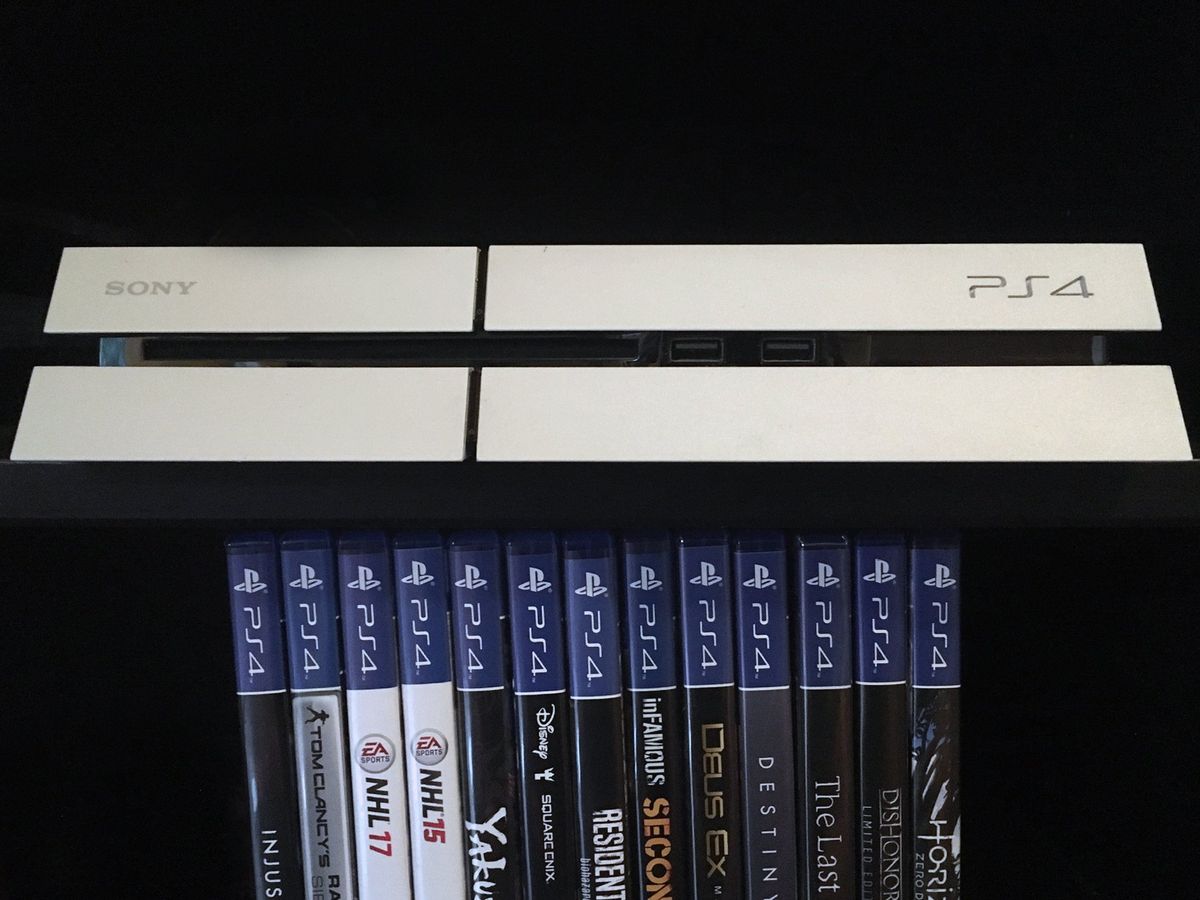
It happens to those with even the most spacious of hard drives. Sometimes you just run out of space and some of those old games have to go. Or maybe it’s as simple as a terrible game in your library and every time you look at it you are reminded of what a terrible waste of money it was. No matter the reason, there are times where you need to delete some games from your PlayStation 4. There are two ways to do it and both of them are easy as pie. Let’s take a look.
-
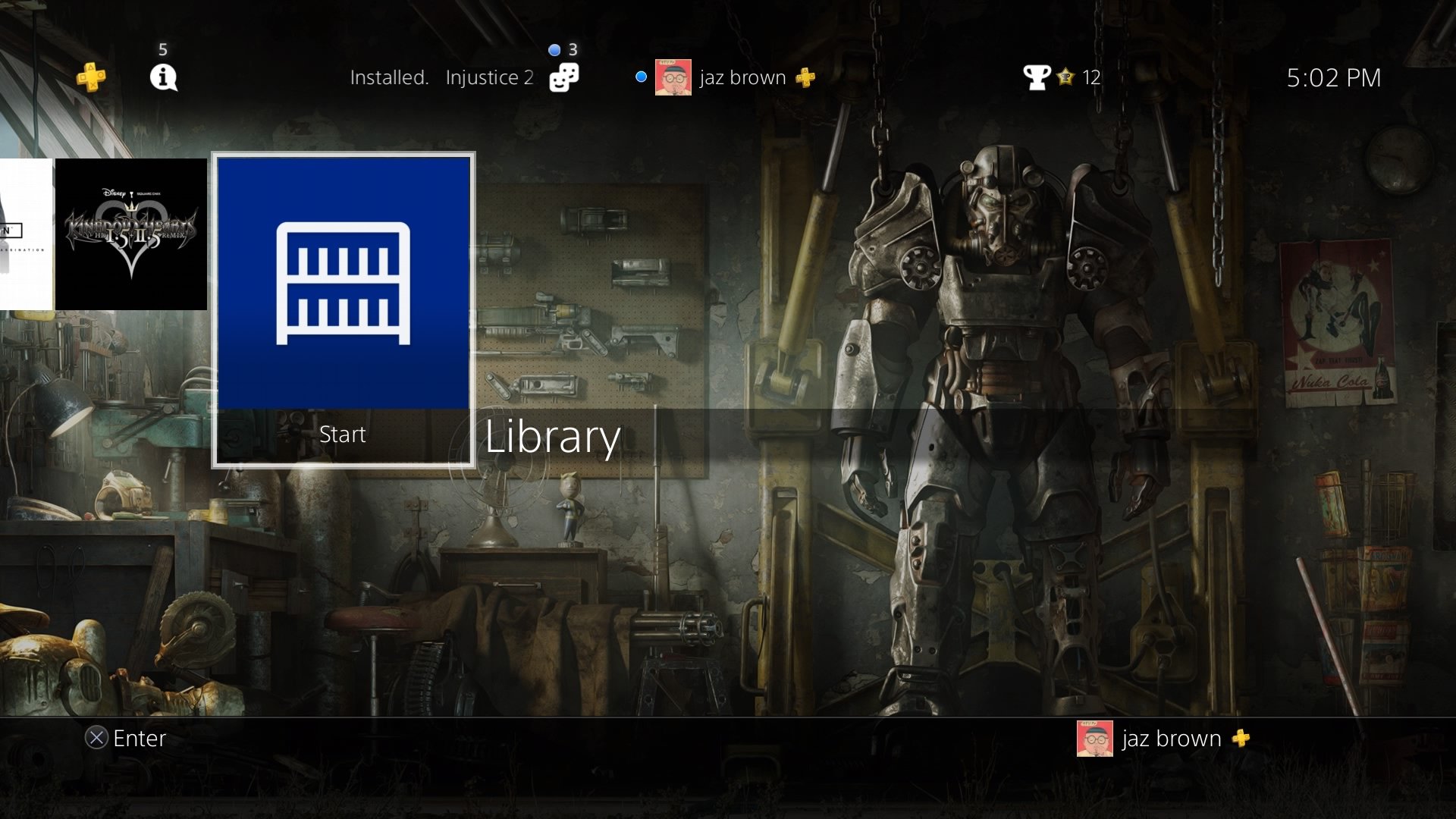
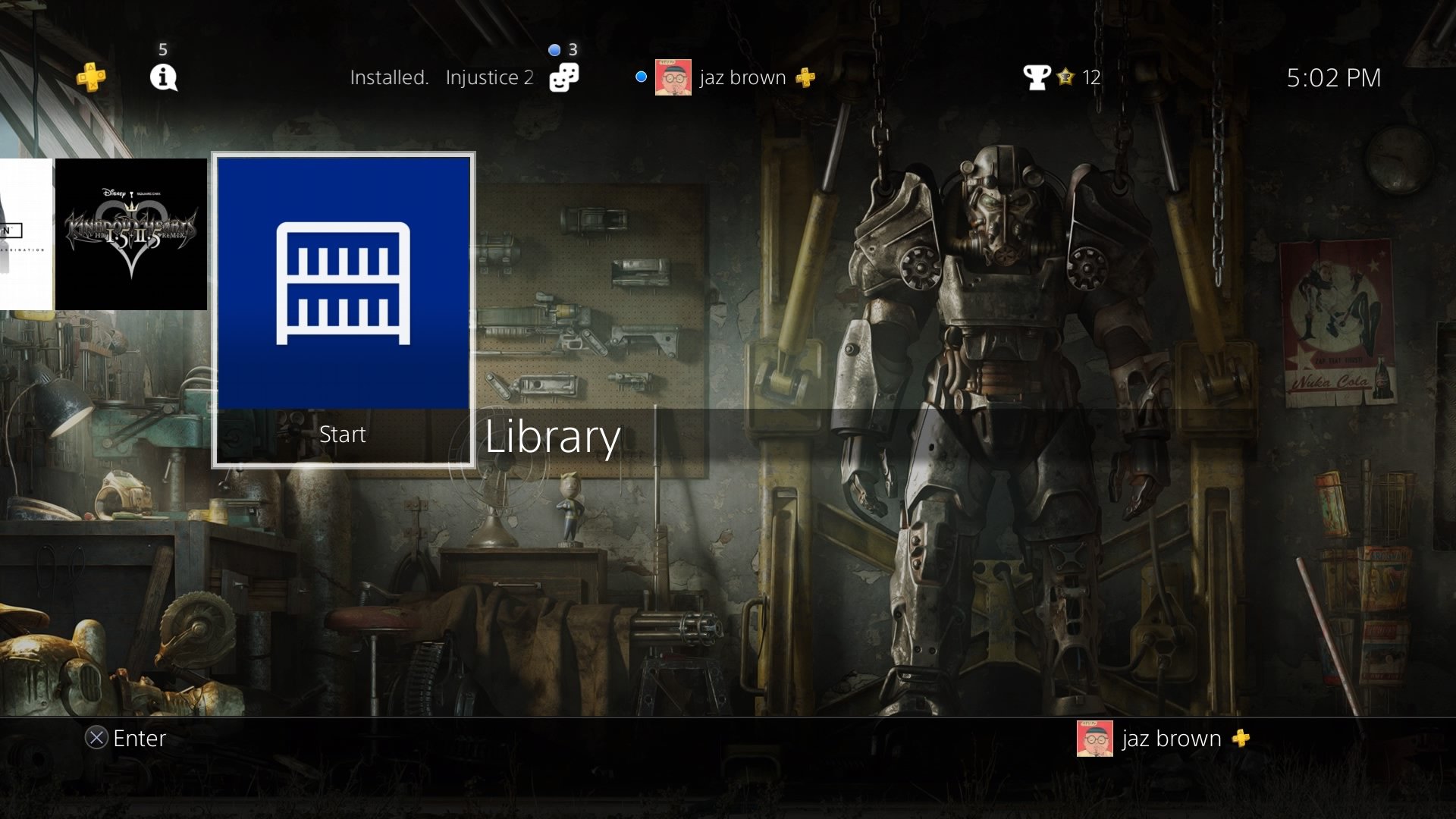
From the main page of your PS4, scroll all the way to the right and select Library.
-
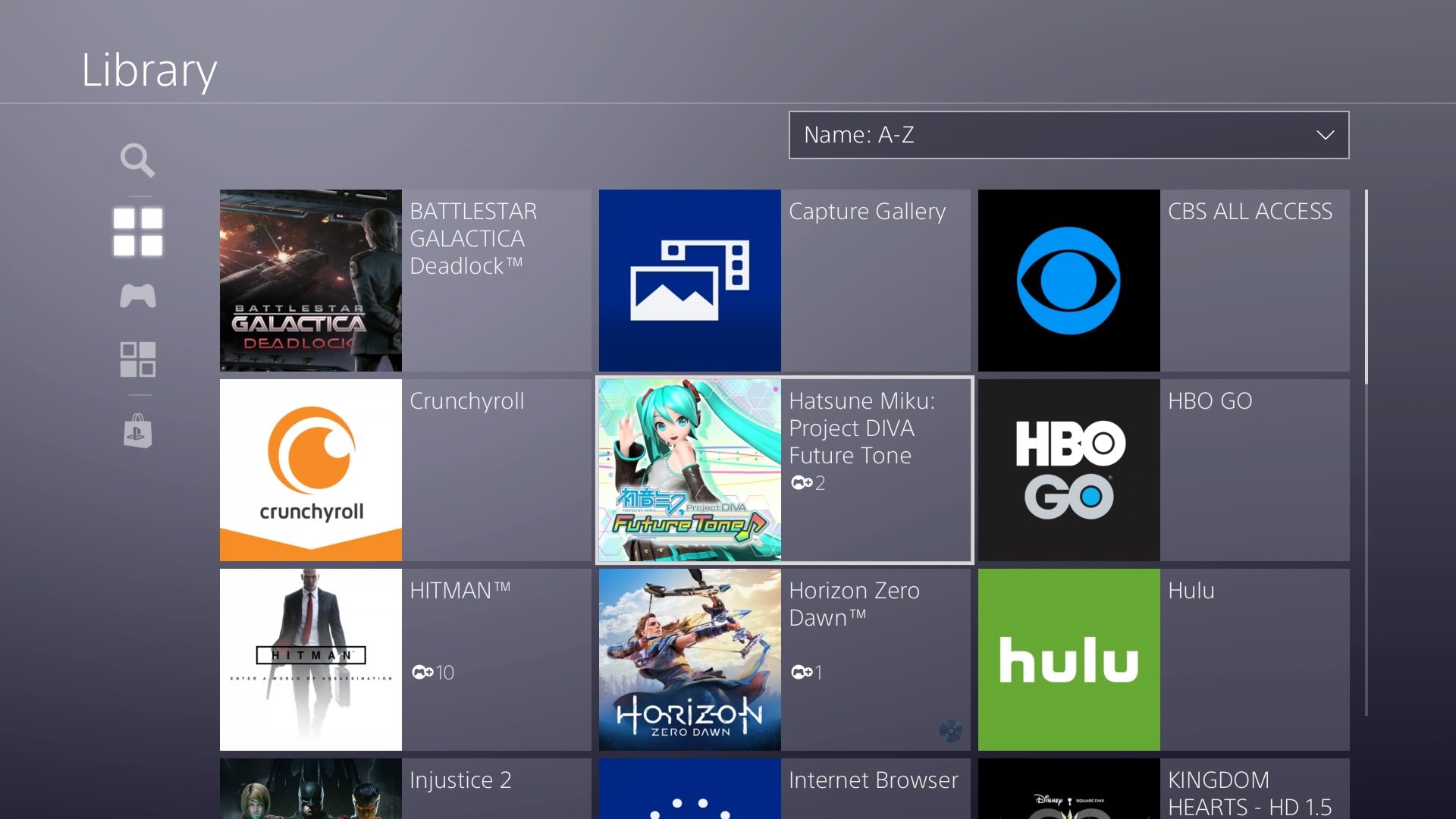
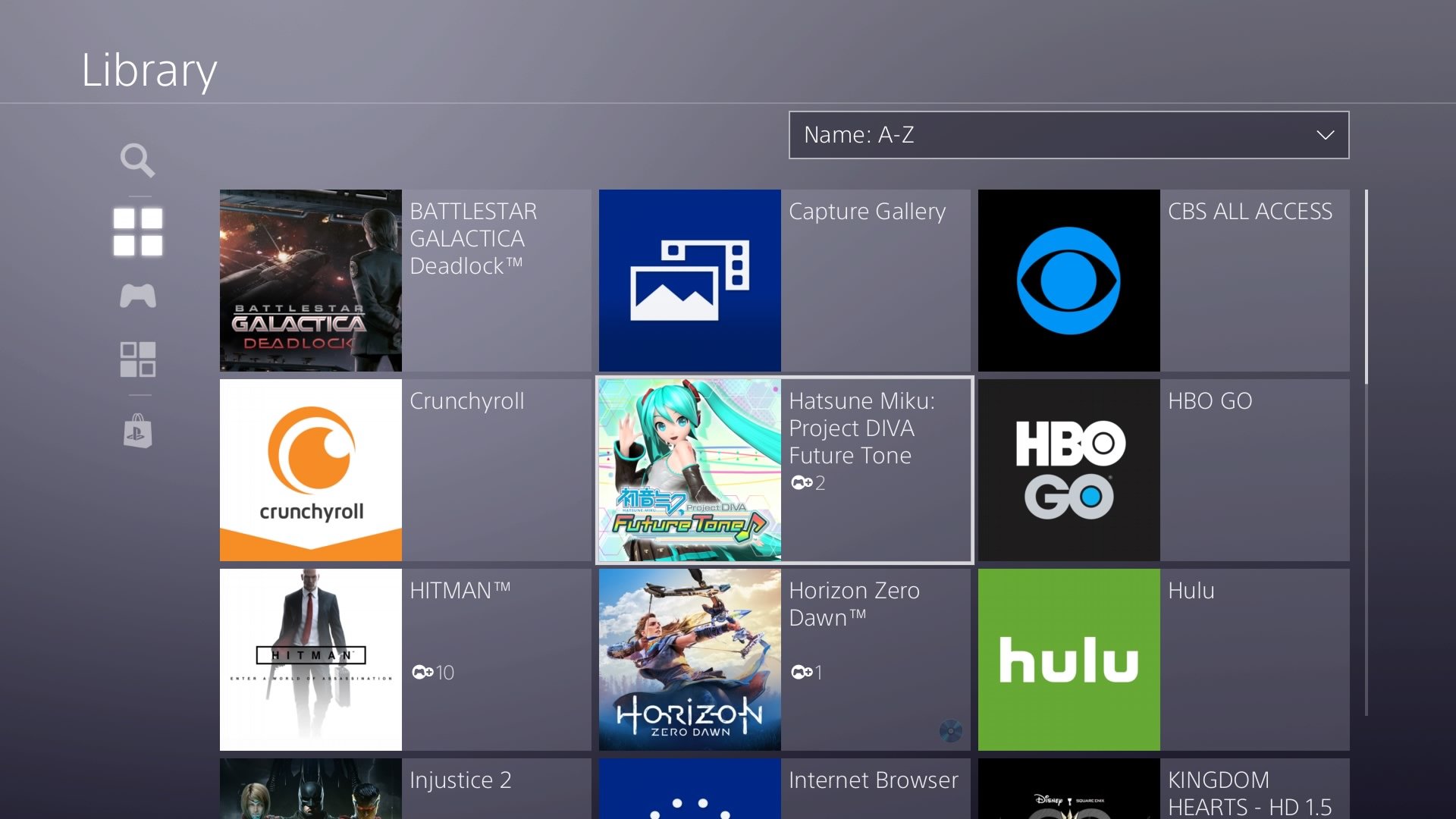
Once in your library, find the game targeted for elimination.
-
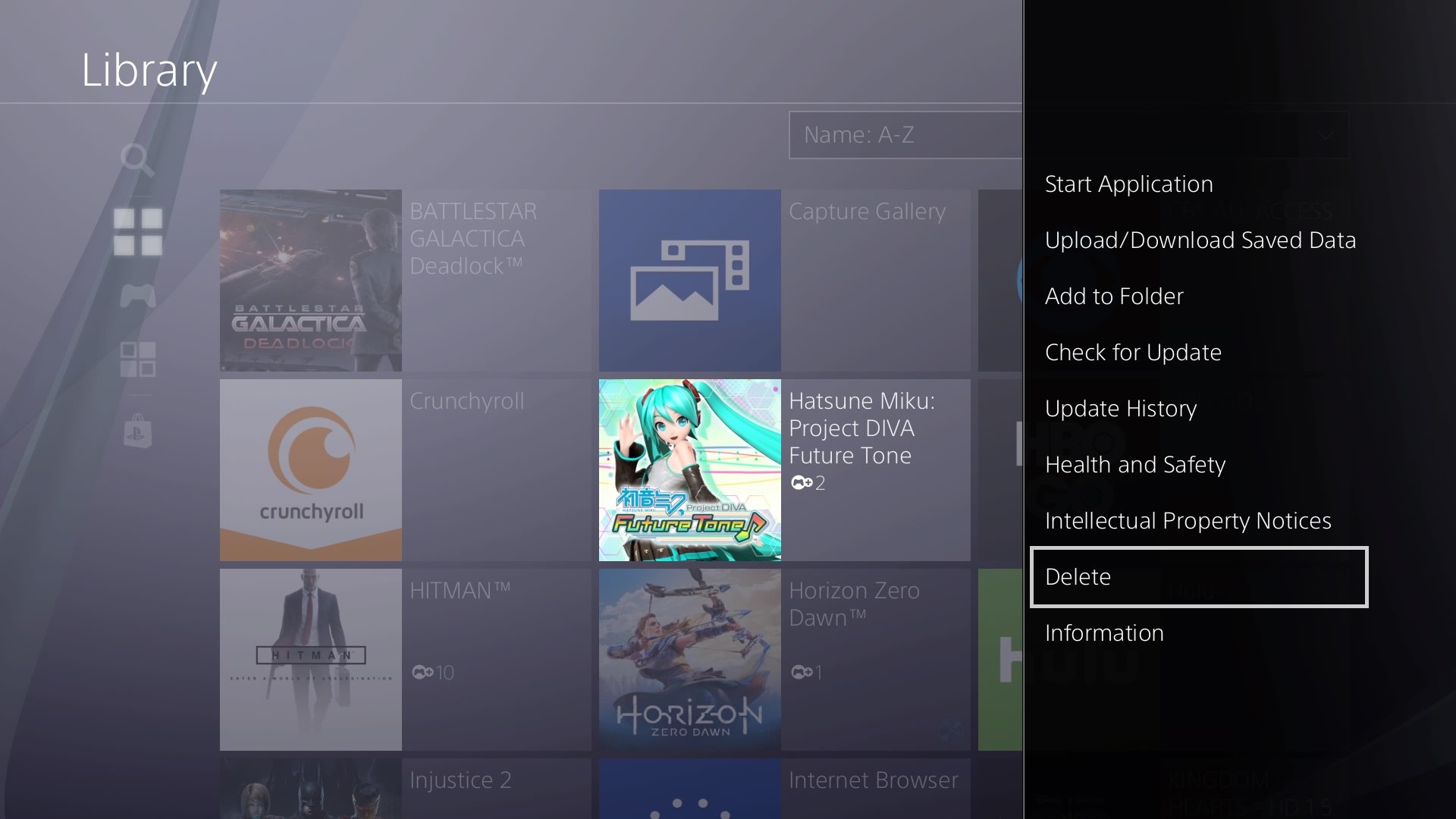
Push the Options button on your PS4 controller.
-
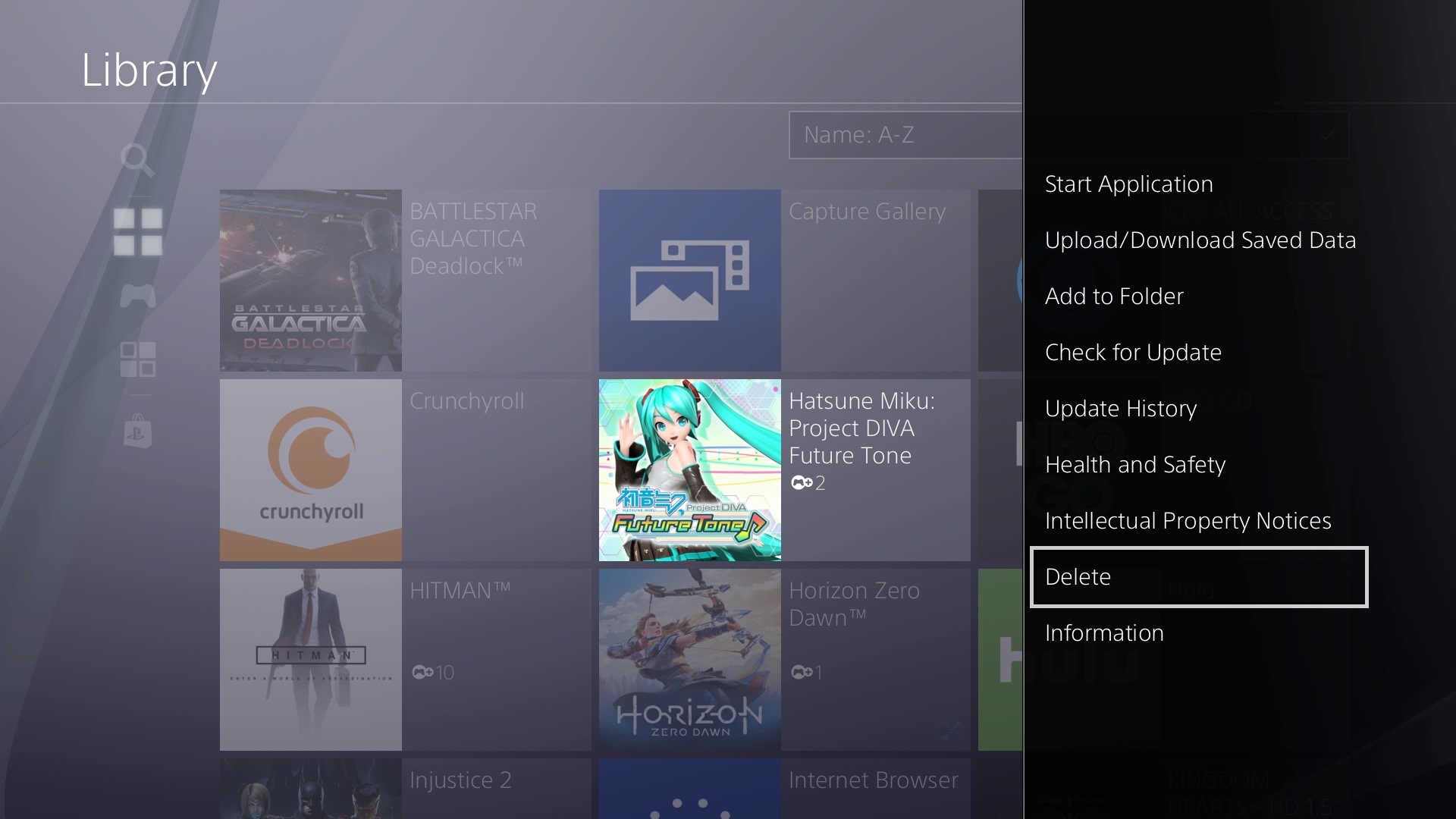
A menu will pop up on the right. Scroll all the way down to Delete and select it.
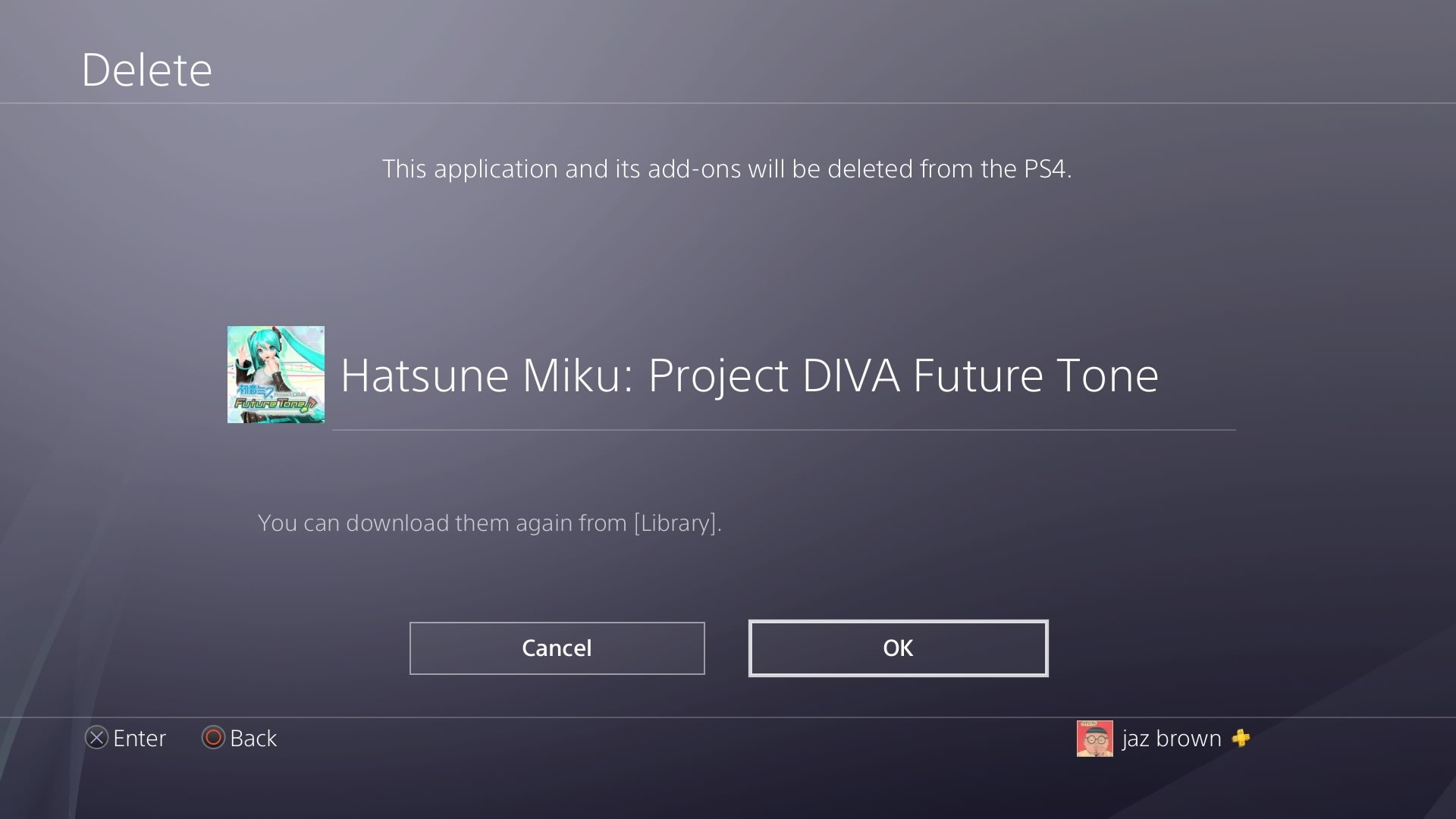
- You will then be presented with a screen letting you know you’re about to delete the game. Select OK and POOF it’s gone.
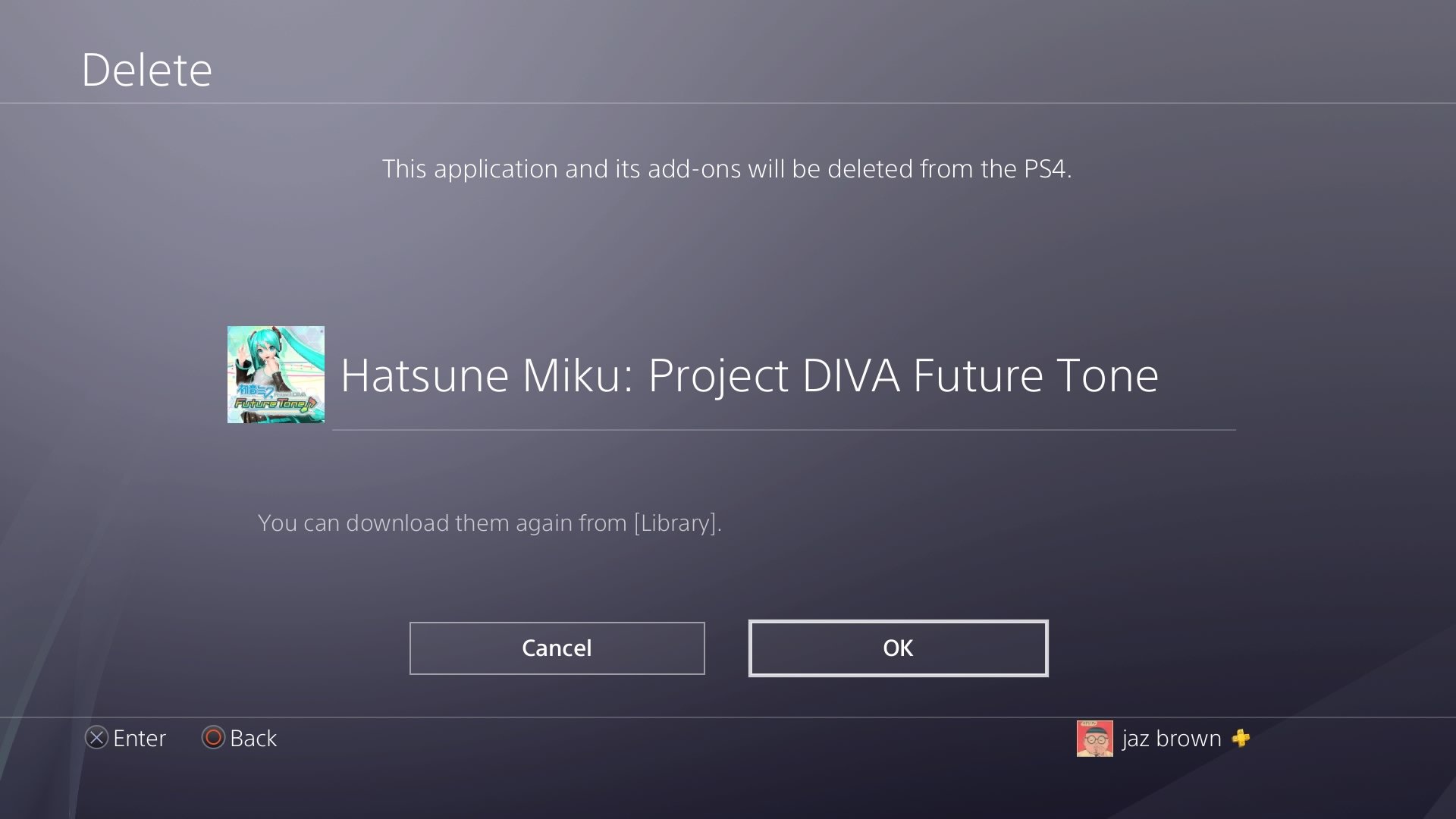
One thing to note is that if you accidentally delete a game or you decide that you want it back later, you can always download it again from your Library page.
Once you have had a PS4 for a while it is almost inevitable that you will have to deal with data management in some way or another. Hopefully, this guide will help you keep a nice spacious hard drive with room for all the games you want.
Contact Information:
JAZ BROWN and JENNIFER LOCKE
Tags:
, Wire, United States, English
Contact Information:
JAZ BROWN and JENNIFER LOCKE
