



I Spent 24 Hours Mastering Video Editing with Filmora AI Features
In the dynamic world of digital content creation, efficiency and creativity are paramount. AI has emerged as a transformative force, offering tools that streamline processes and enhance the quality of content. Among these innovations, Wondershare Filmora’s AI Copilot Editing and its Video Editing Assistants stand out, catering to both beginners and professionals.
AI Copilot Editing: Crafting Compelling Narratives with Ease
Creating engaging scripts for short videos can be a daunting task, often requiring significant time and creative effort. Filmora’s AI Copilot Editing has revolutionized this aspect by automating the process, allowing creators to focus more on production and less on brainstorming content ideas.
How AI Copilot Work
AI Copilot utilize advanced algorithms to analyze user-provided keywords or themes, producing structured scripts complete with scenes and dialogues. These tools often offer customization options, enabling users to select styles, tones, and formats that align with their vision. For instance, platforms like Wondershare Filmora allow users to input prompts and choose desired styles to generate scripts suitable for various formats, including YouTube videos and TikTok clips.
Benefits of Using AI Copilot
- Time Efficiency: AI tools significantly reduce the time spent on scriptwriting, enabling faster content production.
- Consistency: They ensure a consistent narrative flow, maintaining coherence throughout the video.
- Customization: Users can tailor scripts to fit specific themes, styles, and target audiences.
- Idea Generation: AI generators provide fresh perspectives, helping overcome creative blocks.
The Best Virtual Video Editing Assistants: Enhancing Creativity for All Skill Levels
Video editing, once a domain reserved for professionals, has become accessible to creators at all levels, thanks to virtual video editing assistants powered by AI. These tools assist in various editing tasks, from basic trimming to advanced effects, making video production more approachable and efficient.

Features of Virtual Video Editing Assistants
- User-Friendly Interfaces: Designed to accommodate users with varying skill levels, these assistants offer intuitive interfaces that simplify the editing process.
- Automated Editing: AI algorithms can automatically edit footage, select the best shots, and apply transitions, reducing manual effort.
- Creative Enhancements: They provide a range of filters, effects, and templates to enhance the visual appeal of videos.
- Real-Time Feedback: Users receive instant previews of edits, allowing for quick adjustments and refinements.
Benefits for Beginners and Professionals
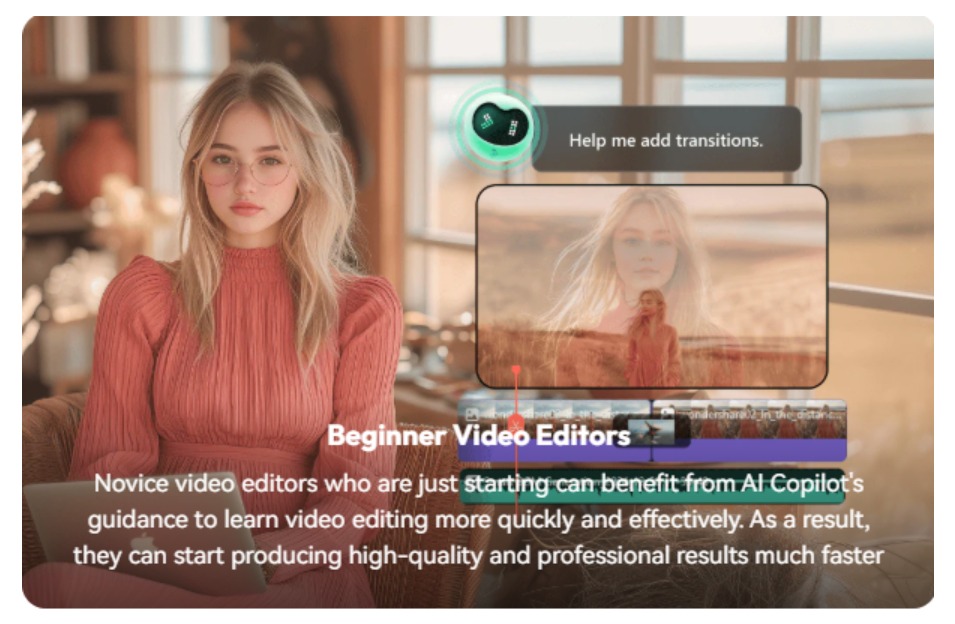
- For Beginners:
- Learning Curve Reduction: Simplifies the editing process, enabling newcomers to produce quality content without extensive training.
- Cost-Effective: Reduces the need for expensive software or professional services.
- Creative Freedom: Encourages experimentation with various editing styles and techniques.
- For Professionals:
- Efficiency: Streamlines repetitive tasks, allowing professionals to focus on creative aspects.
- Advanced Features: Offers sophisticated tools for detailed editing and customization.
- Collaboration: Facilitates easy sharing and collaboration on projects with team members or clients.

Virtual Video Editing Assistants
Wondershare Filmora: Renowned for its user-friendly interface and powerful editing tools, Filmora caters to both beginners and professionals. It offers features like AI portrait, motion tracking, and keyframing, providing a comprehensive editing experience.
Integrating AI Tools into Your Video Production Workflow
Incorporating AI-driven script generators and virtual editing assistants into your workflow can significantly enhance productivity and creativity. Here’s how to effectively integrate these tools:
- Identify Your Needs: Determine which aspects of your video production process could benefit most from AI assistance, whether it’s scriptwriting, editing, or both.
- Select Appropriate Tools: Choose AI tools that align with your skill level and project requirements.
- Combine AI with Human Creativity: Use AI-generated scripts and edits as a foundation, adding personal touches and creative insights to produce authentic content.
- Stay Updated: AI technology evolves rapidly; keep abreast of new features and tools to continually enhance your production quality.
Conclusion
AI-powered Short Video Script Generators and Virtual Video Editing Assistants are transforming the landscape of video content creation. They democratize the production process, making it accessible and efficient for creators at all levels. By leveraging these tools, you can streamline your workflow, enhance creativity, and produce engaging videos that resonate with your audience.
