



Small newsrooms rarely have a separate visual desk for every story. One editor may crop a field photograph, build a social card, prepare a newsletter header, and check a caption within the same hour. A pic editor AI can reduce mechanical work, but it must not turn source photography into a generated account of an event.
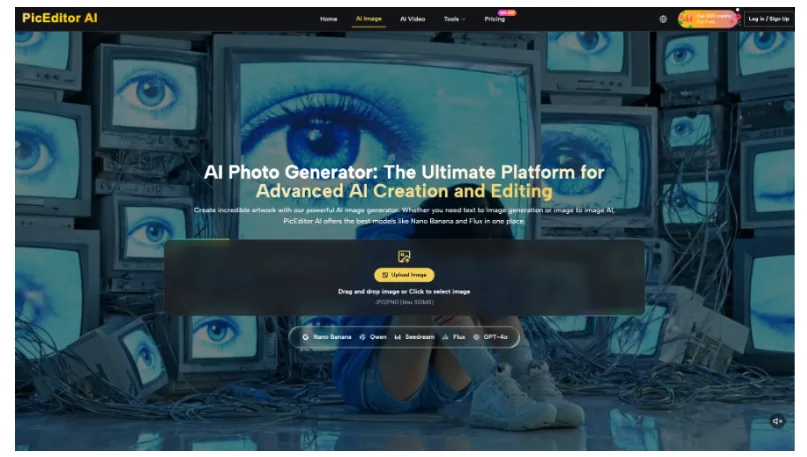
PicEditor AI combines reference uploads, prompt-based editing, multiple output sizes, resolution choices, and a Public Visibility setting. The tool can support format adaptation and clearly labeled illustration. The newsroom still owns source verification, consent, caption accuracy, disclosure, and the decision not to generate.
Classify the Image Before Opening Any Editor
The first choice is editorial, not technical. Put the asset into one of three lanes: documentary photograph, authorized promotional or stock image, or illustration. Each lane allows different changes. If the lane is unclear, pause and ask the assigning editor.
Protect Documentary Content and Original Metadata
Keep the source file, caption, creator, location, date, permissions, and acquisition notes in the newsroom system. Do not use generative removal, reconstruction, relighting, face work, or background replacement on a documentary image unless a documented editorial policy explicitly permits a narrowly defined treatment. Never overwrite the source with a generated result.
Allow Format Work on Authorized Illustrations
An illustration or licensed promotional image may have more room for background extension, layout changes, or restyling. The output must still be labeled correctly and checked for false text, logos, people, locations, flags, maps, and symbols. A generated illustration should not be captioned as a photograph from the reported event.
Create a fourth internal status for assets that cannot be classified quickly: hold. The editor may continue with copy, headline, and page setup while the image waits for a rights or standards decision. A hold lane is faster than publishing a visual that later requires a correction or damages trust.
Three Steps from Source to Publishable Variant
Once the asset lane and permitted change are written down, use a short production loop. Each step ends with a stop signal so urgency does not push an uncertain image into publication.
Step One Upload an Approved Working Copy
Upload a duplicate or select an authorized file from the Assets Library. Confirm Public Visibility before generation. Paid plans list private generation, but an interface setting does not replace source permission or newsroom security policy. Sensitive unpublished material should not enter the tool unless the organization has approved that route.
Step Two Request One Format Change
Ask for one task such as extending a neutral illustrated background for a wide newsletter header while keeping the central subject and approved symbols unchanged. When an editor needs to edit a photo, crop and exposure adjustments to documentary work should follow the newsroom’s normal non-generative rules. Do not use a broad prompt to make a real scene “more dramatic.”
Step Three Compare Caption and Full Frame
Open the source and output together. Check every person, object, word, number, uniform, emblem, map boundary, and background feature. Then read the caption against the result. If the edited image now shows something the caption did not verify, reject it. Record the prompt, settings, reviewer, and accepted file.
Have a second editor review high-risk symbols and identities without seeing the prompt first. They should describe what the image appears to claim. If their reading differs from the verified caption, the output is unsafe even when every requested change was technically completed.
Choose Controls That Match the News Slot
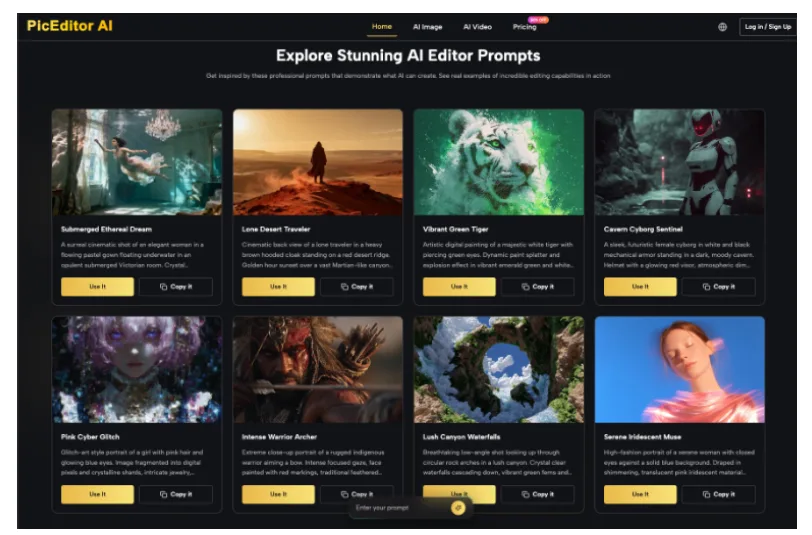
The interface offers common ratios or Image Size choices, 1K to 4K resolution, and one to four outputs. Use only the controls the assignment needs. More formats and more candidates create more review work.
| Destination | Control decision | Editorial check |
| Article lead | Match site crop without generating new event content | People and scene context remain complete |
| Newsletter header | Use wide format for authorized illustration | Added space contains no false symbols or text |
| Social square | Test one square output first | Crop does not remove essential context |
| Explainer graphic | Use adequate resolution for labels | All facts and lettering are rebuilt or proofread |
| Archive copy | Keep the original file unchanged | Generated variant cannot be mistaken for source |
Use Model Differences Only for Assigned Tasks
GPT Image 2 supports high-fidelity image inputs and flexible sizes, while Nano Banana 2 emphasizes rapid iteration, subject consistency, and production resolutions. Those strengths may help with authorized illustrations or layouts. They do not change the rules for documentary truth, captions, consent, or disclosure.
Limit Output Count to Review Capacity
Generate one candidate when the desk has one clear brief. Use several only for a planned comparison with a named reviewer. A newsroom under time pressure can mistake abundance for progress. Four unreviewed images are four possible sources of error, not four finished assets.
Keep a small routing note instead of a model leaderboard. Record which model and settings handled a specific authorized task with the least repair, such as extending a neutral illustration or fitting a diagram into a square card. Re-test after major platform changes. A remembered success is not permanent editorial policy.
Record the Decision with the Published Asset
The final package should include the source identifier, rights status, asset lane, permitted edit, exact prompt, output settings, reviewer, disclosure wording, and published version. This is short enough for a checklist and strong enough for a later correction review.
Make Disclosure Survive Syndication and Cropping
Put the generated or illustrative status in the caption and asset record. Do not rely on surrounding body text that a partner may remove. If the image contains a fictional scene, the label should be clear before a reader interprets it as reporting.
Prepare correction language at the same time as the disclosure. The record should make it possible to remove the asset, restore the source, and explain the change quickly. A small newsroom gains resilience when it can reconstruct the decision without locating the original editor.
Limits for Generative News Image Work
PicEditor AI is not a verification service, provenance archive, consent manager, or fact checker. It should not reconstruct missing documentary detail, create a real person at an event, fabricate damage or recovery, or silently remove context. When the truth of the scene matters, preserve and publish the verified source within normal editorial rules.
Use PicEditor AI for Labeled Production Work
The platform can help a small newsroom resize authorized illustrations, explore a neutral layout, or prepare channel variants after the source and change are approved. It is not a shortcut around image verification or the ethics of documentary photography.
The workable rule is to classify first, request one change, compare the whole frame, and keep the decision record. That gives a stretched visual desk useful production support while preserving the line between editing a presentation and rewriting an event.
Editors should revisit the rule after corrections, platform changes, or new newsroom guidance. A tool can change quickly; the publication’s obligation to distinguish verified reporting from generated illustration does not.
