



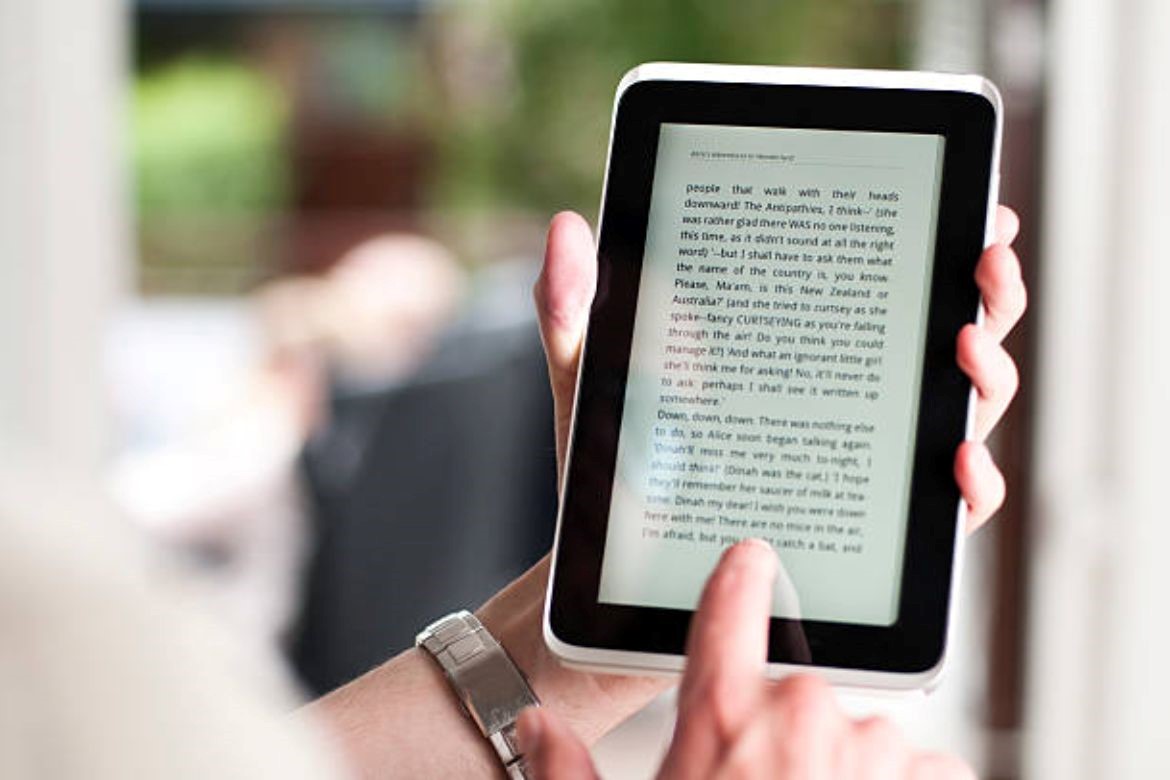
The digital reading revolution is here, and EPUB readers are at the heart of it. Whether you’re diving into your favorite novel or reviewing essential documents, choosing the best EPUB reader for your Android or iOS device can make a world of difference. But with so many options available, how do you decide? In this guide, we’ll walk you through everything you need to know to pick the perfect EPUB reader for your needs.
What is an EPUB Reader?
An EPUB reader is an app or software designed to open and display EPUB files. EPUB (Electronic Publication) is one of the most popular eBook formats because of its flexibility, reflowable text, and compatibility with various devices. Unlike PDFs, EPUB files adapt seamlessly to different screen sizes, making them ideal for smartphones and tablets.
Why Choosing the Right EPUB Reader Matters
A good EPUB reader can enhance your reading experience by offering features like:
- Customizable reading modes (dark mode, sepia, etc.)
- Bookmarks, highlights, and notes
- Multimedia integration (audio, video, interactive content)
- Cloud sync for accessing your library across devices
- Accessibility features like text-to-speech and adjustable fonts
With the right reader, you can transform a simple eBook into an immersive experience.
Features to Consider When Choosing an EPUB Reader
1. Platform Compatibility
Ensure the EPUB reader works seamlessly on your device. Many apps cater exclusively to either Android or iOS, while others support both.
2. User-Friendly Interface
A clutter-free, intuitive design makes navigation easier and allows you to focus on your content.
3. Customization Options
Look for features like font adjustments, themes, margin settings, and line spacing to personalize your reading experience.
4. Cloud Sync and Library Management
Apps with cloud integration let you save, organize, and access your books across multiple devices. Features like categorization, search filters, and metadata editing are added bonuses.
5. Offline Access
Check if the EPUB reader supports offline reading so you can access your eBooks anytime, anywhere.
6. DRM Support
If you purchase eBooks with DRM protection, ensure your EPUB reader can handle these files.
7. Accessibility Features
For readers with special needs, features like text-to-speech, screen reader support, and high-contrast themes are essential.
8. Additional Features
Some EPUB readers offer unique features like:
- Text-to-speech (TTS) for hands-free reading
- Night reading mode to reduce eye strain
- Built-in dictionary and translation tools
Top EPUB Readers for Android and iOS
Here are some of the best EPUB readers, tailored to different needs:
1. Kitaboo (Android & iOS)
Perfect for interactive and multimedia-rich content
Advanced analytics and DRM protection
Cloud-based library management
2. Aldiko Next (Android & iOS)
Excellent for organizing large libraries
Supports DRM-protected files
Offers offline access
3. Apple Books (iOS)
Pre-installed on iOS devices
Seamless integration with Apple’s ecosystem
Ideal for casual readers
4. Google Play Books (Android & iOS)
Cloud sync across devices
Integrated eBook store
Free cloud storage for your uploads
5. Moon+ Reader (Android)
Great for customization
Supports multiple file formats
Offers a clean reading interface
6. FBReader (Android & iOS)
Supports multiple formats (EPUB, MOBI, etc.)
Offers plugin support for enhanced features
Lightweight and fast
7. KyBook (iOS)
Advanced text search and categorization
Built-in translation tools
Excellent for multilingual readers
How to Install an EPUB Reader
Visit Your App Store: Open the Google Play Store or Apple App Store.
Search for “EPUB Reader”: Use keywords like “eBook reader” or “EPUB reader.”
Choose Your App: Read reviews, check ratings, and compare features before downloading.
Install and Open: Once installed, upload your EPUB files and start reading!
Tips for a Better EPUB Reading Experience
Organize Your Library: Use tags or categories for quick access to your books.
Sync Across Devices: Use cloud storage to pick up where you left off.
Adjust Brightness: Reduce eye strain by tweaking the brightness or using night mode.
Explore Interactive Content: Some EPUB files include videos, quizzes, or animations. Make the most of these features.
Why KITABOO is the Ultimate EPUB Reader
If you’re looking for an EPUB reader that does more than just display eBooks, KITABOO is the perfect solution. Designed for students, educators, and publishers, KITABOO offers:
- Interactive eBooks: Enrich your reading experience with audio, video, and interactive content.
- Seamless Accessibility: With features like text-to-speech and multilingual support, KITABOO makes content accessible to all.
- Cloud-Based Library Management: Access your library across devices with ease.
- DRM Protection: Ensure your content remains secure and accessible only to authorized users.
- Analytics: Track reading patterns and engagement levels for educational purposes.
KITABOO is more than an EPUB reader—it’s a complete digital content solution. Whether you’re a student, educator, or publisher, KITABOO helps you deliver, manage, and consume eBooks effortlessly.
Conclusion
Choosing the best EPUB reader for your Android or iOS device doesn’t have to be overwhelming. Focus on your needs—whether it’s customization, accessibility, or DRM support—and pick a reader that enhances your reading experience. If you’re looking for a versatile solution that combines interactivity, security, and convenience, give KITABOO a try.
To know more, please connect with us today!
