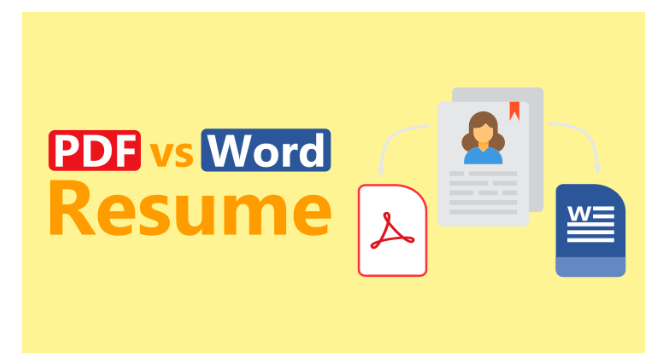

1. Why PDF Resumes Are Great — Until You Need to Edit Them
PDF resumes look neat, professional, and formatting stays consistent across devices. But then:
- You need to tweak a date or job title — and it’s a PDF.
- Recruiters ask for a Word version, and all you have is a locked-down PDF.
- You’re applying for multiple jobs and want fast custom edits.
You need a PDF to Word converter — fast, free, and online.
2. Online Tools to the Rescue: No Installations, Just Results
Use trusted online services like:
- PDFsail
- Smallpdf
- iLovePDF
They’re user-friendly, work in your browser, and also offer JPG to PDF, Compress PDF, and other handy features for job seekers.
3. How to Convert Your Resume from PDF to Word (In Seconds)
- Go to PDFsail and select “PDF to Word”;
- Upload your resume;
- Wait a few seconds and download the editable Word file;
- Open in Microsoft Word or Google Docs and make your edits.
It’s that simple. You’ll have full control over formatting, fonts, and layout again.
4. Bonus Tools for Job Seekers
On the same platforms, you can also:
- Compress PDF: Shrink your resume under 1MB for email attachments;
- JPG to PDF: Combine certificates or portfolio images into a single PDF;
- Merge or Split PDFs: Tailor resume sections for different job applications.
5. Is It Safe? Yes — and GDPR-Compliant
European users especially will appreciate that top converters like PDFsail are:
- GDPR-compliant;
- Use encrypted file transfer;
- Auto-delete your files after a few hours;
- Don’t track or analyze your uploaded content.
6. Final Thoughts: Upgrade Your Resume Workflow
Don’t let file formats hold you back. Online PDF to Word tools give you flexibility, speed, and freedom to keep your resume sharp and relevant. For job seekers, it’s a must-have.